Warehouse Barcode Scanning System: WMS Integration and Deployment Guide
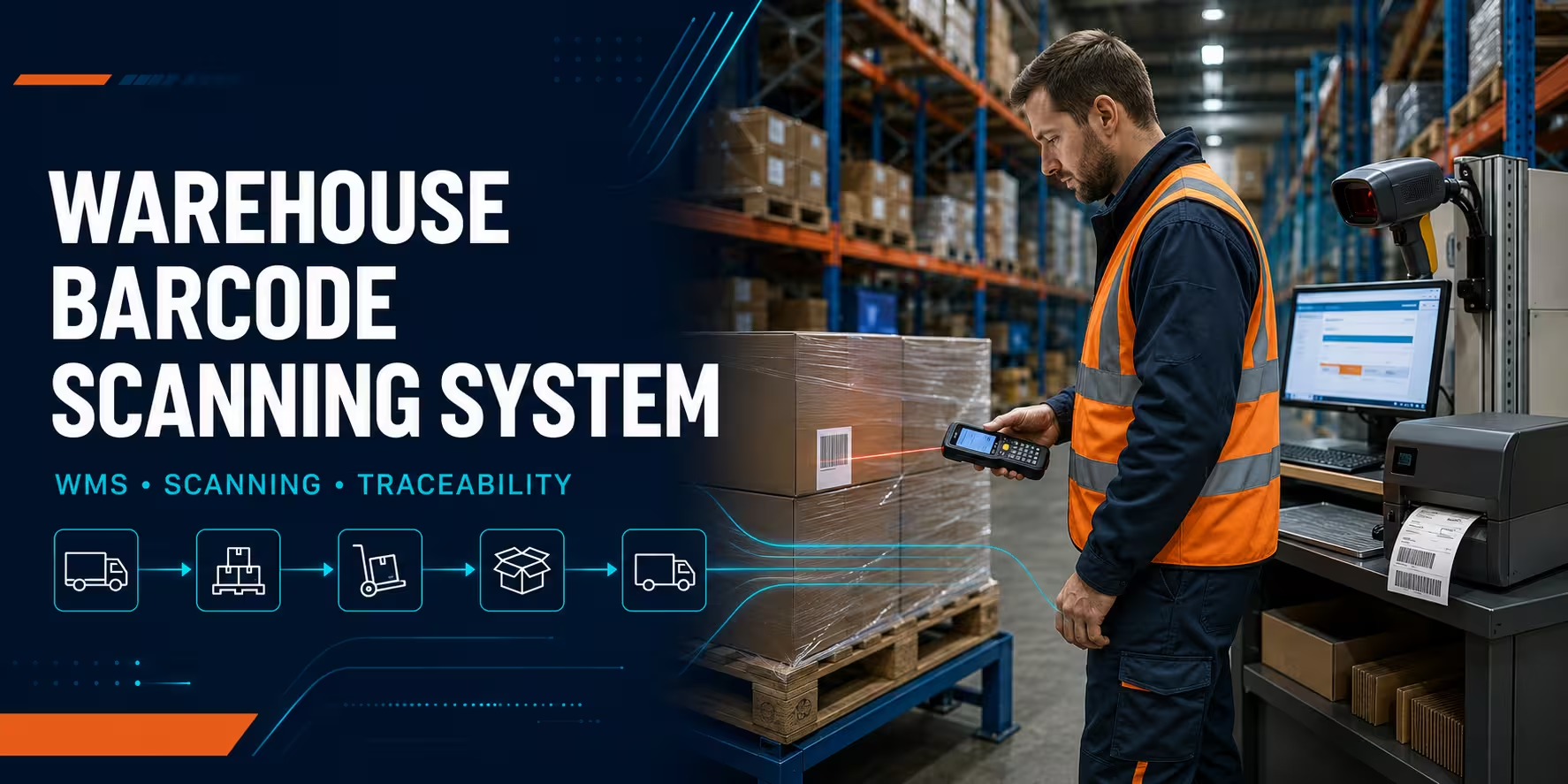
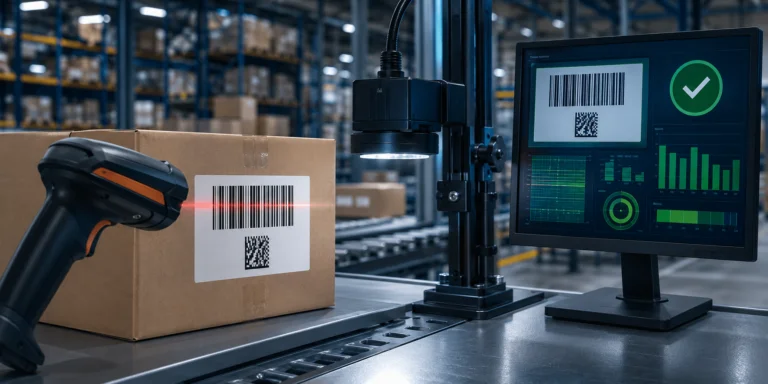
A barcode scanning system for a warehouse connects physical labels, scanning devices and warehouse software so that every receipt, movement, pick, count and shipment becomes a validated digital transaction. The scanner captures an identifier, but the warehouse management system (WMS) decides whether the item, quantity, location and task are correct.
A complete system therefore involves more than buying barcode scanners. It normally includes barcode standards, product and location labels, handheld or fixed readers, mobile computers, label printers, Wi-Fi coverage, a WMS or ERP interface, device management, operator workflows and support procedures. If any one of these layers is poorly designed, the warehouse may scan faster without becoming more accurate.
The right design starts with the process. Map how goods move from receiving to put-away, replenishment, picking, packing, dispatch, returns and inventory counting. Then define what must be scanned at every control point, what the WMS must validate, and what the operator should see when a transaction succeeds or fails.
This guide explains how to build that end-to-end architecture, choose the main hardware layers, connect barcode scanning to a WMS, test the workflow and deploy it safely. For equipment selection, explore our warehouse barcode scanner guide, rugged handheld computers and barcode label printers. For a complete project covering hardware, software and implementation, see our warehouse and logistics solutions.
Short answer
A reliable warehouse barcode system identifies the right item at the right location, sends the transaction to the WMS in real time, blocks invalid moves, gives the operator a clear response and records enough detail for traceability. Hardware is only one layer of that control loop.
What a warehouse barcode scanning system includes
The system can be understood as six connected layers. Treating them as one architecture makes selection, integration and support much easier.
| System layer | Purpose | Key decisions |
|---|---|---|
| Identifiers and labels | Give products, cartons, pallets, locations and assets a unique machine-readable identity. | Identifier structure, barcode symbology, label size, material, adhesive, placement and lifespan. |
| Data-capture devices | Read the identifier where warehouse work happens. | Corded or wireless scanner, mobile computer, wearable, vehicle-mounted device or fixed reader. |
| Printing | Create accurate labels for items, bins, cartons, pallets and shipments. | Desktop, industrial or mobile printer; direct thermal or thermal transfer; print resolution and volume. |
| Connectivity | Carry transactions reliably between devices and backend systems. | Wi-Fi coverage, roaming, Ethernet, Bluetooth, offline behaviour, security and redundancy. |
| WMS integration | Validate each scan and update inventory, orders, locations and task status. | Native WMS application, browser workflow, API, middleware, keyboard input or batch synchronisation. |
| Operations and support | Keep the system available, secure and consistent after go-live. | Device staging, MDM, training, spares, monitoring, incident handling and change control. |
The strongest designs define an owner for every layer. Operations owns the workflow, IT owns connectivity and security, the WMS team owns transactions and master data, and the AutoID partner helps match devices, labels, printing and deployment services to the real environment.
Start with warehouse processes, not device models
Before selecting equipment, document the current process and the desired controlled process. A useful workflow map records who performs the action, what they handle, where it happens, what they scan, what the system validates and what happens after an exception.
| Workflow | Typical scans | WMS validation | Operational result |
|---|---|---|---|
| Receiving | Purchase order, supplier label, item, lot, serial, pallet and quantity. | Expected delivery, valid item, allowed quantity, lot rules and receiving status. | Receipt created, discrepancy flagged and stock available for the next task. |
| Put-away | Handling unit or item, followed by destination location. | Correct stock, valid location, capacity, zone and storage restrictions. | Inventory moved to the confirmed bin and the next task released. |
| Replenishment | Source location, item or pallet, destination pick face and quantity. | Task assignment, correct source, correct SKU, destination and remaining quantity. | Pick face replenished and stock balances updated. |
| Picking | Location, item, lot or serial, tote/order and quantity. | Correct task sequence, SKU, inventory status, quantity and order allocation. | Wrong picks blocked and the order updated immediately. |
| Packing | Order/tote, each item, carton and shipping label. | Order completeness, serial/lot capture, carton contents and carrier data. | Pack confirmation, label printing and shipment record created. |
| Dispatch | Carton, pallet, route, dock door and vehicle/load. | Correct shipment, loading sequence, route and dispatch status. | Loading errors blocked and proof of dispatch recorded. |
| Cycle counting | Location, item, lot/serial and counted quantity. | Count assignment, item-location match and variance rules. | Variance routed for recount or approval. |
| Returns | Return reference, item, serial/lot, condition and destination. | Return authorisation, product identity, disposition and quarantine rules. | Returned stock separated and traceability preserved. |
Do not automate a vague process. If workers use different labels for the same location, if duplicate product codes exist, or if exceptions are resolved outside the WMS, the new system will expose those inconsistencies. Clean process and master data before scaling hardware.
Design the barcode and label architecture
A warehouse barcode system depends on identifiers that remain unique and meaningful to the software. Products may use GTINs or internal item numbers; logistic units may use a Serial Shipping Container Code (SSCC); locations need stable location IDs; assets and returnable containers may require their own identifiers.
The GS1 Logistic Label Guideline explains how logistic information and the SSCC can be represented on a standard label, while the GS1 Global Traceability Standard provides a framework for identifying traceable objects and recording critical tracking events. These standards are especially relevant when data must travel between suppliers, warehouses, carriers and customers.
Define every identifier before building screens
- Item: GTIN, SKU or controlled internal item ID.
- Handling unit: carton, tote, pallet or licence plate number.
- Location: site, zone, aisle, bay, level and bin encoded through a stable location ID.
- Traceability: lot, batch, expiry date or serial number where required.
- Document or task: purchase order, transfer, pick wave, sales order, return or shipment.
- Operator and device: user identity and device ID for accountability and diagnostics.
Do not put business meaning into an identifier unless there is a clear governance rule. A compact, unique location ID is often safer than a code whose digits embed aisle and shelf meanings that may change after a warehouse redesign.
Choose barcode symbology by data and scanning conditions
Code 128 and GS1-128 remain practical for many carton, pallet and warehouse location labels. Data Matrix and QR codes can hold more data in a smaller area, while GS1 2D symbols support richer structured data. If the business is preparing for 2D workflows, review GS1’s current 2D barcode guidance.
The label must be tested as a physical object, not approved only on a monitor. Validate barcode size, quiet zones, contrast, print quality, placement, scanning angle and distance on the real carton, tote, rack or pallet. Cold, dust, glare, abrasion, curved surfaces and stretch wrap can all change scan performance.
For durable shelf, bin and pallet labels, thermal transfer printing is often preferable; short-life shipping labels may use direct thermal media. Our guide to barcode printer solutions for warehouse operations covers printer classes, media and print durability in more detail.
Choose the right device for each scan point
A warehouse rarely needs one device type everywhere. Match the form factor and scan engine to the distance, movement, environment and application.
| Device type | Best fit | Integration pattern | Check before purchase |
|---|---|---|---|
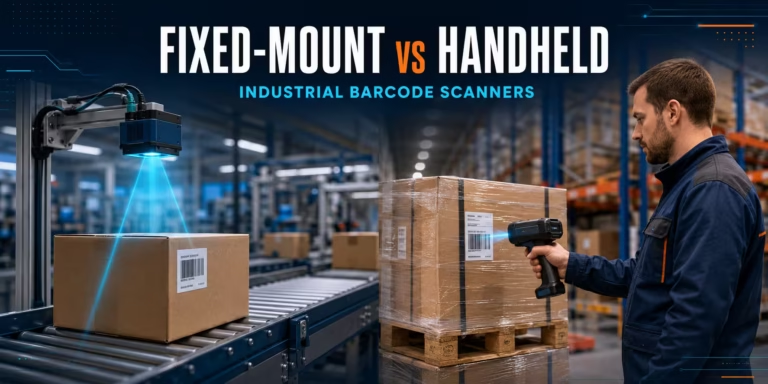
| Corded handheld scanner | Receiving desks, packing benches and fixed workstations. | USB HID/keyboard input, serial or vendor SDK. | Cable routing, stand, scan volume, barcode types and host compatibility. |
| Wireless handheld scanner | Short-range mobility around a workstation, cart or packing zone. | Bluetooth or proprietary radio through a cradle/base. | Radio range, pairing control, battery, spare units and feedback signals. |
| Rugged mobile computer | Receiving, put-away, picking, replenishment, counts and returns. | Native Android app, browser application, terminal emulation, API or middleware. | Keypad/touch workflow, scan range, Wi-Fi roaming, battery, drops, IP rating and OS support. |
| Wearable scanner | High-frequency piece picking where both hands must remain free. | Paired with a wrist/arm computer or voice/mobile application. | Ergonomics, glove use, cleaning, task duration and charging logistics. |
| Vehicle-mounted computer | Forklifts, reach trucks, yards and high-rack workflows. | WMS client over warehouse Wi-Fi, often paired with a long-range scanner. | Mounting, vehicle power, vibration, temperature, roaming and safe interaction. |
| Fixed industrial reader | Conveyors, sortation, portals and automated verification points. | Ethernet, industrial protocols, digital I/O, serial or middleware. | Field of view, trigger, line speed, lighting, code orientation and reject logic. |
Use the warehouse scanner selection guide for a deeper comparison of scanning ranges, ruggedness and connectivity. Browse corded barcode readers, wireless barcode readers and handheld mobile computers by workflow rather than selecting one form factor for the entire site.
For example, an extended-range device such as the Zebra DS3600-XR industrial reader may suit high-rack or long-distance scanning, while a keyboard-based mobile computer such as the Zebra MC3400 may fit scan-intensive picking. These are examples, not automatic recommendations: the correct configuration depends on distance, symbology, application, network and environment.
Plan label printing as part of the same system
Scanning fails when label production is treated as a separate project. The WMS should generate the correct template and data for the correct workflow, then route it to the correct printer. Operators should not manually edit item codes, quantities, lots or addresses unless the exception process explicitly requires it.
- Use industrial printers for high-volume receiving, production or dispatch stations.
- Use desktop printers for lower-volume packing desks and compact work areas.
- Use mobile label printers where point-of-work printing removes repeated walking.
- Match direct thermal or thermal transfer technology to the required label lifespan.
- Test the printer, label, ribbon and scanner as one combination.
- Control template versions so that obsolete labels cannot be printed after a process change.
High-volume sites may use an industrial printer such as the Zebra ZT610, but model choice should follow volume, resolution, media, connectivity and support requirements. Include printhead cleaning, spare media, ribbon storage and printer failover in the operational design.
How WMS barcode integration works
The central integration question is not “Can the scanner type text?” It is “Can the application validate the transaction at the moment work happens?” A warehouse barcode scanner system should give the operator an immediate, unambiguous result: accepted, rejected or needs a defined exception action.
The ideal scan transaction
- The WMS assigns a task or the operator opens a permitted workflow.
- The application tells the operator what to scan next.
- The device captures the barcode and decodes the identifier.
- The application checks format, symbology and expected field.
- The WMS validates item, location, quantity, inventory status and task rules.
- The WMS commits the transaction or rejects it with a specific reason.
- The device gives visual, audible and/or haptic feedback.
- The next step appears without unnecessary typing or navigation.
This sequence prevents a common failure: capturing scans into an uncontrolled text field and discovering errors only after a batch import. Real-time validation is normally preferable for receiving, put-away, picking and dispatch because the operator can correct the issue while still at the item or location.
Common integration methods
| Method | Advantages | Limitations | Typical use |
|---|---|---|---|
| USB HID / keyboard wedge | Fast to deploy; the scanner sends decoded data like a keyboard. | Limited context and device control; focus errors can place data in the wrong field. | Simple workstation forms, packing desks and legacy applications. |
| Native WMS mobile application | Best control over workflow, feedback, scan settings and offline behaviour. | Requires a supported mobile client and device lifecycle planning. | Core receiving, picking, replenishment and inventory workflows. |
| Browser-based application | Central updates and broad device compatibility. | Needs careful testing of focus, browser behaviour, latency and device APIs. | Modern WMS web clients and task-specific warehouse apps. |
| Terminal emulation | Extends established host workflows to modern mobile hardware. | Legacy screen design may create extra keystrokes and limited guidance. | Existing green-screen WMS/ERP environments. |
| API or middleware integration | Supports controlled transactions, multiple device types and automation events. | Requires interface design, monitoring, retry logic and ownership. | Custom mobile apps, fixed scanners, conveyors and multi-system environments. |
| Batch/offline synchronisation | Allows work where continuous connectivity is unavailable. | Creates conflict, duplicate and stale-data risks that must be designed explicitly. | Yards, remote areas and non-time-critical inventory tasks. |
Define the data contract
For every scan event, define the minimum data sent to the WMS or integration layer:
- transaction or task ID;
- operator ID and device ID;
- site, zone and location;
- scanned value and interpreted identifier type;
- item, handling unit, lot, serial and quantity where applicable;
- timestamp and transaction sequence;
- application version;
- result code and error reason;
- unique event ID to prevent duplicate processing.
Idempotency is important for API and offline workflows: if a device retries the same event after a network interruption, the WMS should recognise it rather than receiving the stock twice. Define timeouts, retries, queues and reconciliation reports before go-live.
Design useful error messages
“Invalid scan” is rarely enough. Tell the operator what failed and what to do next: wrong location, item not expected, lot blocked, quantity above tolerance, task already completed, duplicate serial, device offline or printer unavailable. Exceptions should lead to a controlled action, not an improvised workaround.
Warehouse Wi-Fi and connectivity requirements
Warehouse coverage must be tested where scanning actually happens: between loaded metal racks, in cold rooms, at dock doors, inside yards and on moving forklifts. An office-oriented wireless survey may miss roaming and interference problems that appear only during a shift.
- Validate coverage and capacity at work height, including high-rack and vehicle-mounted positions.
- Test roaming while an active WMS session moves between access points.
- Separate weak coverage, high latency, DNS issues and application timeouts during diagnostics.
- Confirm device radio configuration, authentication, certificates and power-saving behaviour.
- Define what the application does when connectivity is lost mid-transaction.
- Monitor failed logins, disconnects, retries and response times after deployment.
A scan should not disappear when a connection drops. The application must either confirm that the WMS committed the transaction or retain the event in a controlled queue. Operators need a visible status so they do not repeatedly scan the same pallet and create duplicates.
Security and device lifecycle management
Rugged mobile computers are enterprise endpoints. They may access inventory, order, customer and shipment data outside a traditional office. NIST’s mobile device security guidance covers centralised management and protection across deployment, use and disposal.
For a warehouse rollout, plan:
- a standard “gold” configuration for applications, scanner profiles and network settings;
- mobile device management for enrolment, policies, certificates, updates and remote actions;
- role-based WMS access and individual operator accounts;
- application allow-listing or kiosk mode where appropriate;
- supported OS versions and a patching schedule;
- device inventory, assignment and loss procedures;
- secure wipe and decommissioning;
- spare devices already staged to the approved configuration.
For larger fleets, enterprise mobility managed services can provide staging, device management, monitoring, incident handling, buffer stock and lifecycle support.
Step-by-step warehouse barcode system deployment checklist
Use the following checklist to move from discovery to a controlled rollout.
Phase 1: Baseline and scope
- Identify the warehouse sites, zones, shifts and workflows in scope.
- Measure current receiving, picking, packing, counting and dispatch performance.
- Record error types, manual entry points, rework and downtime.
- List all backend systems, WMS modules, printers, scanners and existing labels.
- Name process, IT, WMS, security and support owners.
- Define project success measures and rollout constraints.
Phase 2: Data and identification
- Clean duplicate or ambiguous item and location records.
- Define identifiers for items, locations, handling units, lots, serials and tasks.
- Select barcode symbologies and data formats.
- Document label size, material, adhesive, placement and expected lifespan.
- Create label ownership and template change-control rules.
- Print samples and test them on real surfaces and in real conditions.
Phase 3: Hardware and connectivity
- Match each scan point to a corded, wireless, mobile, wearable, vehicle-mounted or fixed device.
- Confirm scan range, symbology, ruggedness, ergonomics and glove use.
- Size batteries, cradles, cables, mounts, holsters and spare-device stock.
- Select printer class, resolution, connectivity and media capacity.
- Survey and remediate warehouse Wi-Fi.
- Validate charging, storage and shift handover procedures.
Phase 4: WMS integration and application design
- Define each screen and the required scan sequence.
- Specify validations, confirmations, error messages and exception routes.
- Choose native, web, terminal emulation, keyboard, API or middleware integration.
- Define the event data contract, authentication and authorisation.
- Design retry, duplicate prevention, offline and reconciliation behaviour.
- Configure printer routing and label-template selection.
- Create logs and monitoring for device, integration and WMS failures.
Phase 5: Pilot and acceptance testing
- Pilot in one representative zone, workflow or shift.
- Use real products, locations, labels, users, volumes and exceptions.
- Test damaged, incorrect, duplicated and unexpected barcodes.
- Test poor Wi-Fi, server timeout, device restart and printer failure scenarios.
- Verify transaction order, timestamps, user/device IDs and audit records.
- Measure scan success, task time, errors, battery life and operator feedback.
- Correct process and application issues before buying or staging the full fleet.
Phase 6: Rollout and stabilisation
- Stage devices from a controlled configuration and verify every unit.
- Train supervisors first, then operators using real exception scenarios.
- Deploy by zone, shift or site with a rollback plan.
- Provide floor support during go-live and record every recurring issue.
- Keep preconfigured spares, batteries and critical printing consumables available.
- Review performance daily during stabilisation.
- Transfer ownership to operations and support only after acceptance criteria are met.
Phase 7: Continuous improvement
- Monitor WMS response time, scan failures, exception rates and device downtime.
- Review labels that are frequently damaged or difficult to scan.
- Remove unnecessary scans or keystrokes only after confirming control is preserved.
- Update device firmware, operating systems and applications through change control.
- Retest after WMS releases, network changes, warehouse redesigns or new suppliers.
- Use operational data to prioritise the next workflow for automation.
Acceptance tests for WMS barcode integration
A pilot should pass functional, performance and resilience tests. The exact thresholds should be based on the site’s baseline and service levels, not copied from another warehouse.
| Test area | What to verify | Evidence |
|---|---|---|
| Positive flow | Correct item, location, quantity and task complete without manual correction. | WMS transaction, device confirmation and audit trail match. |
| Wrong item/location | The system blocks the transaction and gives a specific instruction. | No inventory change; rejection reason logged. |
| Lot and serial control | Duplicates, expired/blocked lots and invalid serials are rejected. | Traceability record remains complete and unique. |
| Network interruption | No event is lost or committed twice after reconnection. | Queue/retry log and reconciled WMS balance. |
| Performance | Scan-to-response time remains acceptable under realistic concurrent load. | Measured response percentiles and operator task time. |
| Printing | Correct template, data and printer are selected for each workflow. | Sample labels scan successfully after environmental testing. |
| Security | Only authorised users and managed devices can perform permitted tasks. | Access logs, role tests and device compliance records. |
| Support | A failed device or printer can be replaced without rebuilding it manually. | Timed swap using a preconfigured spare. |
KPIs to measure after go-live
Do not evaluate success only by counting scans. The goal is better flow and inventory control.
- First-pass scan rate: percentage of labels read successfully without repeated attempts.
- WMS response time: time between scan submission and an actionable response.
- Receiving cycle time: time from dock arrival to inventory availability.
- Put-away and pick accuracy: correct item, location, lot and quantity confirmations.
- Order error rate: shortages, substitutions, wrong items and shipping corrections.
- Inventory accuracy: system stock compared with verified physical stock.
- Exception rate: transactions routed to manual correction or supervisor review.
- Device availability: operational time excluding battery, damage, configuration and application failures.
- Printer availability and reprints: downtime, failed labels and avoidable reprints.
- Task time and travel: steps, keystrokes and walking eliminated without weakening control.
Capture the baseline before deployment. Improvement should be measured by workflow, shift and zone, because an average may hide a weak receiving area or a recurring Wi-Fi problem in a specific aisle.
Common implementation mistakes
Buying scanners before mapping the process
A capable scanner cannot fix an undefined validation rule or inconsistent location scheme. Complete workflow and data design first.
Using one device type everywhere
Packing benches, forklift aisles, cycle counts and conveyors have different ergonomic, range and integration needs. Standardise where it helps support, but do not force a poor fit.
Treating labels as consumables only
Label size, media, adhesive, print method and placement determine whether data can be captured reliably. Include them in system acceptance testing.
Relying on keyboard input without application controls
Keyboard-wedge scanning is useful, but the application must control field focus, expected data, prefixes/suffixes and error handling. Otherwise a valid scan can enter the wrong field.
Skipping warehouse Wi-Fi testing
Loaded racks, moving vehicles and cold-room construction affect radio performance. Test real devices during realistic work, not only with an office laptop in an empty warehouse.
No defined offline or retry behaviour
If users cannot tell whether a transaction committed, they will scan again. Design status, retry, deduplication and reconciliation before the first pilot.
Training only on the happy path
Operators need to practise wrong locations, damaged labels, blocked stock, printer faults and device swaps. Most go-live delays happen around exceptions, not normal scans.
No lifecycle or spare-device plan
A system is not complete when hardware arrives. Batteries age, devices break, operating systems require updates and WMS applications change. Budget and plan for the entire lifecycle.
Barcode, RFID or a hybrid warehouse system?
Barcode is often the practical foundation because labels are economical, identification is visible and scanning provides a deliberate confirmation at the point of work. RFID can add value when many tagged items must be read without direct line of sight, when assets or returnable transport items move through portals, or when manual scanning creates an unacceptable bottleneck.
A hybrid design is common: barcodes guide operator tasks and exceptions, while RFID automates selected visibility points. Do not replace a well-controlled barcode workflow with RFID until tag performance, reader placement, data filtering and WMS event rules have been tested in the real environment.
Budget for total system cost
The project budget should include more than scanners:
- mobile computers, scanners, printers and fixed readers;
- batteries, chargers, cradles, mounts, holsters and cables;
- labels, ribbons and printheads;
- Wi-Fi survey and remediation;
- WMS licences, mobile clients, middleware or API development;
- device staging, MDM and security;
- testing, training, go-live and project management;
- spares, support agreements and repair logistics;
- future OS, application and device refreshes.
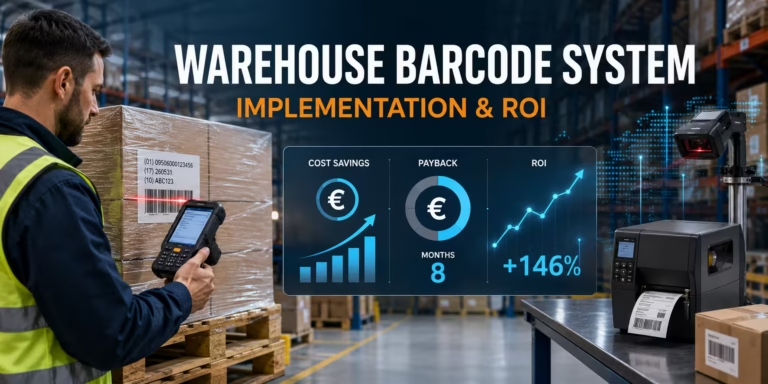
Compare the total cost with the operational cost of mis-picks, inventory corrections, reprints, manual entry, device downtime, delayed dispatch and supervisor intervention. The cheapest device is not the lowest-cost system if it creates extra work on every transaction.
Build your warehouse barcode system with AutoID Warehouse
AutoID Warehouse supports end-to-end warehouse projects covering barcode scanners, rugged mobile computers, fixed readers, label printers, consumables, device staging and lifecycle services. Our team can help translate receiving, picking, packing, inventory and dispatch requirements into a practical hardware and integration plan.
Start with our warehouse and logistics solutions or explore professional barcode readers, mobile computers and label printers.
Planning a new warehouse barcode scanning system?
Tell us your workflows, barcode types, WMS platform, number of users, warehouse conditions and rollout schedule. We will help you identify the right device, printing, connectivity and support requirements.
Frequently asked questions
What is a barcode scanning system for a warehouse?
It is an integrated system of barcode labels, scanners or mobile computers, printers, network connectivity and warehouse software. It captures item and location data, validates each transaction in the WMS, updates inventory and gives the operator immediate feedback.
How does barcode scanning integrate with a WMS?
The device sends the captured identifier to a WMS application or integration layer. The WMS checks it against the active task, item, location, lot, serial and quantity rules, then accepts or rejects the transaction. Integration can use a native app, browser, terminal emulation, keyboard input, APIs or middleware.
Which barcode scanners are best for warehouse use?
The best type depends on the scan point. Corded scanners fit fixed desks, wireless scanners provide mobility around workstations, rugged mobile computers support aisle workflows, extended-range scanners reach high racks, wearables support rapid piece picking, and fixed readers automate conveyors or portals.
Do I need mobile computers or separate barcode scanners?
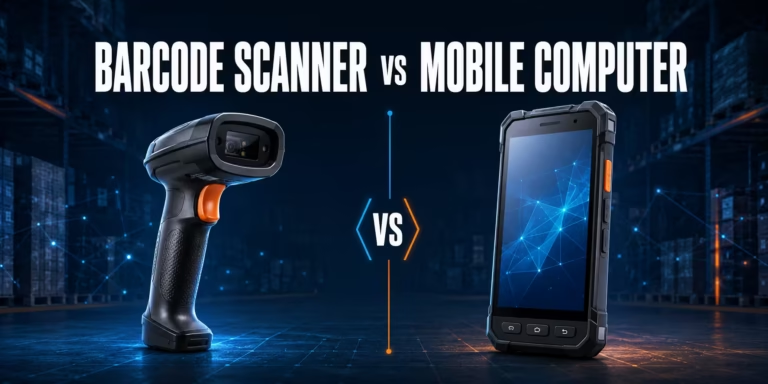
Use a mobile computer when the operator needs the WMS screen, task guidance and data capture while moving through the warehouse. A separate scanner can be more efficient at a fixed PC, paired workstation or specialised long-range scan point.
What should be tested before warehouse barcode system go-live?
Test real labels and surfaces, correct and incorrect transactions, WMS response times, Wi-Fi roaming, battery life, printer routing, device restarts, connection loss, retries, duplicate prevention, user permissions, exception handling and replacement with a spare device.
Can a warehouse barcode system work offline?
Yes, if the application is designed for controlled offline work. It must store events securely, show their status, prevent duplicate processing, synchronise in order and reconcile conflicts after reconnection. Offline capability should not be assumed just because the scanner can store codes.
How many barcode devices does a warehouse need?
Size the fleet by concurrent users and scan points during the busiest shift, then include charging turnaround, maintenance and preconfigured spare devices. Device quantity should be based on peak workflow demand rather than total employee count alone.
When should a warehouse consider RFID instead of barcodes?
Consider RFID when many tagged items must be identified without direct line of sight, at automated portals or when manual scanning creates a major bottleneck. Many warehouses use a hybrid approach, retaining barcodes for operator confirmation while applying RFID at selected visibility points.