How to Implement a Barcode System in a Warehouse: Step-by-Step Guide and ROI Calculator
Implementing barcodes in a warehouse is not primarily a label-printing project. It is a process-control project. The barcode identifies the item, location, pallet or shipment, but the operational value comes from what happens after the scan: the system validates the transaction, updates inventory and tells the operator what to do next.
A reliable rollout therefore starts with data and workflows, not a shopping list. You need to decide what will be identified, which events must be captured, what the WMS or ERP should validate and where operators need a scanner, mobile computer or printer. Only then can you select labels and hardware that fit the real environment.
This guide explains how to implement a barcode system in a warehouse from the initial process audit to pilot testing and full deployment. It also includes a warehouse barcode system ROI calculator in euros, so you can test the business case using your own transaction volumes, labour costs, error rates and project budget.
Planning a complete project? Use this article as the implementation sequence, then consult our warehouse barcode scanning system guide for the technical architecture and WMS data flow. AutoID Warehouse can help configure barcode readers, mobile computers, label printers and consumables around the same workflow.
Discuss your warehouse barcode project with an AutoID specialist
What a warehouse barcode implementation must achieve
A barcode implementation succeeds when an operator can complete a warehouse task correctly with less uncertainty and less manual entry. For example, a put-away transaction should not end with “a code was scanned.” It should confirm that the expected pallet was moved to an authorised location, record who completed the move and update the available stock.
The same principle applies to receiving, replenishment, picking, packing, cycle counting and shipping. Each scan should have a defined business meaning and a clear response. A green confirmation, an audible alert or a blocked transaction is part of the solution; the barcode itself is only the trigger.
A complete implementation normally connects six elements:
- Identifiers: unique numbers for products, locations, pallets, assets, lots or serialised units.
- Barcode labels: a machine-readable representation that remains legible for the required lifetime.
- Data-capture devices: scanners, mobile computers, vehicle terminals, fixed readers or wearable devices.
- Printing equipment: desktop, industrial or mobile printers matched to label volume and material.
- Business software: the WMS, ERP, inventory platform or custom application that validates and stores each event.
- Operating procedures: rules for scanning, exceptions, damaged labels, offline work and support.
If one layer is missing, operators usually create a workaround. They type the code, write the exception on paper, reuse an old label or confirm the movement later. Those workarounds are precisely where stock accuracy begins to drift.
Step 1: Define the operational baseline
Before changing the process, measure the current one. The baseline provides two things: the requirements for the system and the evidence needed to evaluate the investment later.
Walk through the warehouse with the people who perform the work. Follow real receipts, picks and dispatches instead of relying only on the documented procedure. Record where information is typed, copied, rechecked or written by hand. Note where employees search for stock, wait for a workstation, walk back to a printer or ask a supervisor to resolve an exception.
Baseline data to collect
- inventory transactions per day and at seasonal peak;
- average time per receipt, put-away, pick, pack, move and count;
- number of corrections, mis-picks, reships and stock adjustments;
- time spent on full inventory counts and cycle counts;
- labour cost per hour, including employer costs where appropriate;
- average operational cost of correcting one error;
- number of operators, shifts, workstations and warehouse zones;
- Wi-Fi coverage gaps, cold areas, outdoor zones, dust and drop risks;
- label volumes, label lifespan and current print failures;
- existing WMS, ERP, shipping and carrier integrations.
Do not turn every observation into a project requirement. Prioritise processes with a meaningful combination of volume, delay, error cost and traceability risk. A receiving flow with 1,000 transactions per day may deserve attention before a monthly asset audit, even if the audit is more frustrating.
The baseline numbers can be entered directly into the ROI calculator later in this guide. After the pilot, replace assumptions such as “seconds saved per transaction” with measured results from the test area.
Step 2: Decide what must be identified
The next step is to create an identification model. A single warehouse may need separate identifiers for products, variants, locations, pallets, cartons, assets, batches and serial numbers. These identifiers are related, but they are not interchangeable.
| Object | What the identifier represents | Typical warehouse use |
|---|---|---|
| Trade item or SKU | A product or product variant | Receiving, picking, packing and stock control |
| Storage location | A zone, aisle, bay, level or bin | Put-away, picking, replenishment and cycle counting |
| Logistic unit | A uniquely identified pallet or shipping unit | Cross-docking, staging, dispatch and traceability |
| Lot or batch | A production or procurement batch | Expiry control, recall readiness and FEFO allocation |
| Serialised unit | One individual item | Warranty, regulated products and high-value inventory |
| Reusable asset | A tote, tool, container or equipment item | Custody, maintenance and returnable asset tracking |
The identifier should be unique, stable and governed centrally. Avoid encoding information that can change, such as a current storage location, inside a permanent product identifier. Store changing attributes in the database and retrieve them after the scan.
Also decide which supplier barcodes can be trusted and reused. A product may already carry a valid GTIN, while an internal kit, raw material or storage bin requires an organisation-specific identifier. Document ownership: who creates the number, who approves it, which system is the master and what happens when a code is duplicated.
Step 3: Map every scan and validation rule
Draw the process as a sequence of decisions. For every scan point, define what is scanned, what the system checks and what the operator sees. This exercise prevents a common implementation failure: capturing more data without making the task easier or safer.
Example: pallet put-away
- The mobile computer displays the next pallet and suggested destination.
- The operator scans the pallet identifier.
- The WMS checks that the pallet is available for movement and belongs to the task.
- The operator travels to the destination and scans the location label.
- The WMS verifies location status, capacity, product restrictions and task sequence.
- The system confirms the movement or explains the exception.
- The transaction records the pallet, source, destination, operator and time.
Define the negative path with the same care as the successful one. What happens if the wrong location is scanned? Can the employee override it? Does an override require a reason code or supervisor approval? Can a damaged label be reprinted immediately? Does the system accept manual entry, and if so, is that event visible in reporting?
Map receiving, put-away, picking, replenishment, packing, shipping, returns and inventory separately. They may use the same equipment but require different validation. The implementation should reduce ambiguity, not simply add a scan before the same manual decision.
Step 4: Choose barcode standards and symbologies
Choose the data structure before choosing the visual barcode. The identifier and the carrier are different decisions. A GTIN identifies a trade item; an SSCC uniquely identifies a logistic unit. Those values can then be encoded in a barcode that your partners, software and scanners understand.
For logistics units, the GS1 Logistic Label Guideline explains the use of the SSCC and GS1-128, together with human-readable information and label layout. GS1 notes that the SSCC is the mandatory identifier for a GS1 Logistic Label and connects the physical unit with the related electronic data.
| Barcode option | Practical fit | Planning note |
|---|---|---|
| EAN/UPC | Retail trade items already labelled by the manufacturer | Reuse when the product identity is valid in your master data. |
| Code 128 | Compact alphanumeric internal identifiers | Useful for controlled internal labels such as locations; do not confuse ordinary Code 128 with GS1-128. |
| GS1-128 | Logistics labels carrying structured GS1 data | Can encode identifiers and attributes through GS1 Application Identifiers. |
| Data Matrix | Small items, components, serialisation and dense data | Requires 2D imagers and careful print-quality testing. |
| QR code | Web links, instructions or selected 2D applications | Do not select it only because phones can read it; confirm the data standard and warehouse application first. |
A 2D imager is often a sensible choice for a new deployment because it can normally read both traditional 1D codes and common 2D symbols. However, scan-engine capability does not solve poor data design. Test every symbology with the exact label size, print resolution, reading distance and application parsing rules used in production.
If the warehouse exchanges labels with customers, carriers or suppliers, align the format with the relevant trading partner requirements. For an overview of identification and data-capture standards, consult the official GS1 barcode resources.
Step 5: Design labels for the real environment
A correct barcode that cannot be scanned reliably is an operational failure. Label design must account for surface, distance, lighting, dirt, abrasion, temperature, moisture and the full period for which the identifier must remain readable.
Start with the use case. A direct thermal shipping label may only need to survive a short delivery cycle. A rack label may remain in service for years. A freezer label must remain attached at low temperature. A label applied to a reusable tote may face cleaning, impacts and repeated handling. These applications should not use the same material simply because the dimensions are similar.
Label design checklist
- select dimensions that support the required reading distance;
- preserve quiet zones and avoid crowding the barcode with borders or text;
- provide adequate contrast and print resolution;
- include human-readable data for recovery and visual checks;
- choose direct thermal for suitable short-life applications and thermal transfer for greater durability;
- match adhesive and face material to cardboard, metal, plastic, cold surfaces or reusable containers;
- place labels where they are visible and reachable during the real workflow;
- standardise the position on cartons, pallets, racks and bins;
- test labels after ageing, abrasion, cooling or exposure—not only immediately after printing.
For pallet and rack locations above normal reach, label size and scanner range must be tested together. A long-range scanner cannot compensate indefinitely for a small, damaged or low-contrast label. Multi-level rack labels, colour-coded location labels or a secondary scan point may be more reliable than forcing one label format into every height.
Explore labels and thermal-transfer ribbons alongside the printer, not after it. For demanding programmes, a barcode verifier can help assess print quality against the required specification instead of relying only on whether one scanner reads one sample.
Step 6: Select hardware by task and environment
Build the hardware list from the workflow map. A warehouse normally needs a combination of device types rather than one standard unit everywhere.
Barcode scanners
A corded scanner is efficient at a fixed receiving or packing station. A cordless scanner adds freedom around pallets while still sending data to a nearby host. Ultra-rugged and extended-range models suit drops, dust, forklifts and high-rack labels. Fixed industrial readers are appropriate for conveyors or unattended scan points.
Use the warehouse barcode scanner buying guide to compare scan engine, reading range, connectivity and protection rating. If you need to choose between a scanner connected to another device and an all-in-one terminal, see barcode scanner vs mobile computer.
Mobile computers
A rugged handheld computer is usually the better option when the operator must view the task, scan multiple objects, enter quantities and handle exceptions while moving. Consider screen and keypad layout, battery strategy, Wi-Fi, scan range, operating temperature, accessories, drop rating, security updates and device management.
Label printers
Choose print class by volume and work area. Desktop label printers fit lower-volume offices and packing points. Industrial label printers offer larger media capacity and more robust construction for sustained output. Mobile label printers reduce walking when operators need to relabel items or locations at the point of work.
The printer, ribbon and label stock are a system. Confirm print method, resolution, maximum media size, interfaces, label software and replacement supplies together. Our guide to barcode printer solutions for warehouse operations provides a deeper comparison.
Network, power and accessories
Include Wi-Fi surveys, charging cradles, spare batteries, protective cases, vehicle mounts, holsters and replacement cables in the design. A pilot can appear successful with two fully charged devices, then fail at scale when 30 units compete for charging space or roam between access points.
The same applies to support. Standardise configurations, asset numbers, firmware, spare pools and device ownership. Zebra’s official warehousing and distribution overview illustrates how scanners, mobile computers, printers and fixed systems serve different points in the operation.
Step 7: Integrate the barcode workflow with the WMS or ERP
A scanner can place characters into a field without a complex integration, but that is not automatically a controlled warehouse process. The application must understand the identifier, connect it to a valid task and decide whether the event is allowed.
Document the integration for each scan:
- which application screen, API or service receives the data;
- how the system distinguishes item, location, pallet and operator codes;
- which prefixes, GS1 Application Identifiers or parsing rules are used;
- what master data must exist before the first transaction;
- which validations happen locally and which require the server;
- what message, colour and sound communicate success or failure;
- whether repeated scans are ignored, counted or treated as duplicates;
- how timestamps, user IDs and device IDs are stored for audit;
- what happens during a network interruption;
- how queued transactions are synchronised and conflicts resolved.
Keep test and production environments separate. Build representative master data and orders in the test system so operators can exercise normal and exceptional cases. Include mixed units of measure, partial receipts, substitutions, damaged stock, expired lots, blocked locations, split picks and cancelled tasks.
Security and device management belong in the implementation plan. Configure user roles, session timeout, application permissions, Wi-Fi certificates, update policies and remote lock or wipe where applicable. A shared warehouse terminal should not depend on an unmanaged consumer account or one employee’s personal credentials.
Step 8: Run a controlled pilot before full deployment
A pilot should test a complete operational slice, not isolated devices. Choose one area or process with enough volume to expose real issues but a manageable impact if something fails. One receiving dock, a group of picking aisles or one packing line can be a suitable starting point.
Run the pilot long enough to include normal volume, a peak period and exceptions. Record results against the baseline instead of relying on impressions. Operators may like the new device while transaction time stays unchanged, or dislike the first week even though error rates improve. Both observations matter, but they answer different questions.
Pilot acceptance criteria
- first-pass scan rate on representative labels and distances;
- average transaction time compared with the previous method;
- wrong-item, wrong-location and quantity error rates;
- number and type of manual overrides;
- Wi-Fi roaming, response time and offline behaviour;
- battery life across the actual shift pattern;
- printer throughput, label waste and media-change time;
- operator training time and recurring questions;
- support tickets, device damage and configuration drift;
- reconciliation between physical activity and WMS records.
Do not hide failures by adding unlimited overrides. An exception is useful information. It may expose poor master data, confusing location codes, missing Wi-Fi coverage, an unsuitable scan engine or a workflow rule that does not match the floor. Fix the root cause before multiplying the problem across the warehouse.
Step 9: Train, deploy and improve
Roll out in controlled waves. Freeze configuration for each release, publish a clear cutover plan and keep a rollback procedure for business-critical processes. Ensure that replacement labels, spare devices and a support contact are available during every shift—not only while the project team is on site.
Training should use real tasks and real exceptions. A short demonstration of a successful scan is not enough. Operators should practise a damaged barcode, wrong location, unexpected quantity, missing item, low battery and network interruption. Supervisors need to know which events they may override and which must be investigated.
After launch, monitor a small set of operational KPIs:
- inventory accuracy;
- pick accuracy and reship rate;
- receiving-to-available time;
- lines picked per labour hour;
- cycle-count variance;
- manual-entry and override rate;
- first-pass scan rate;
- device availability and support incidents;
- label reprint and media-waste rate.
Compare those metrics with the baseline at 30, 60 and 90 days. If an expected saving does not appear, investigate adoption and process design before adding more hardware. The purpose of the technology is to make the correct action easier and the incorrect action visible.
How much does a warehouse barcode system cost?
There is no useful fixed price for a warehouse barcode system because project scope changes the result. A small operation may need a desktop printer, several scanners and a simple inventory application. A multi-site distribution business may need rugged mobile computers, industrial printers, Wi-Fi improvements, device management, WMS development, spare pools and formal support.
Build the budget in categories:
- Hardware: scanners, mobile computers, printers, fixed readers, cradles, batteries and network equipment.
- Labels and supplies: initial location labels, product labels, ribbons, cleaning supplies and replacement stock.
- Software: WMS or inventory licences, mobile applications, label-design software and device management.
- Services: discovery, integration, configuration, data cleanup, Wi-Fi survey, installation and project management.
- Internal effort: process design, testing, training, supervision and temporary productivity loss during cutover.
- Recurring cost: subscriptions, support, repairs, device replacement, consumables and continuous improvement.
The cheapest device list is not necessarily the lowest-cost implementation. Include the cost of missing accessories, downtime, repeat walking, failed scans, label replacement and support complexity. The calculator below separates the one-time investment from annual recurring costs so the payback estimate remains transparent.
AutoID Warehouse planning tool
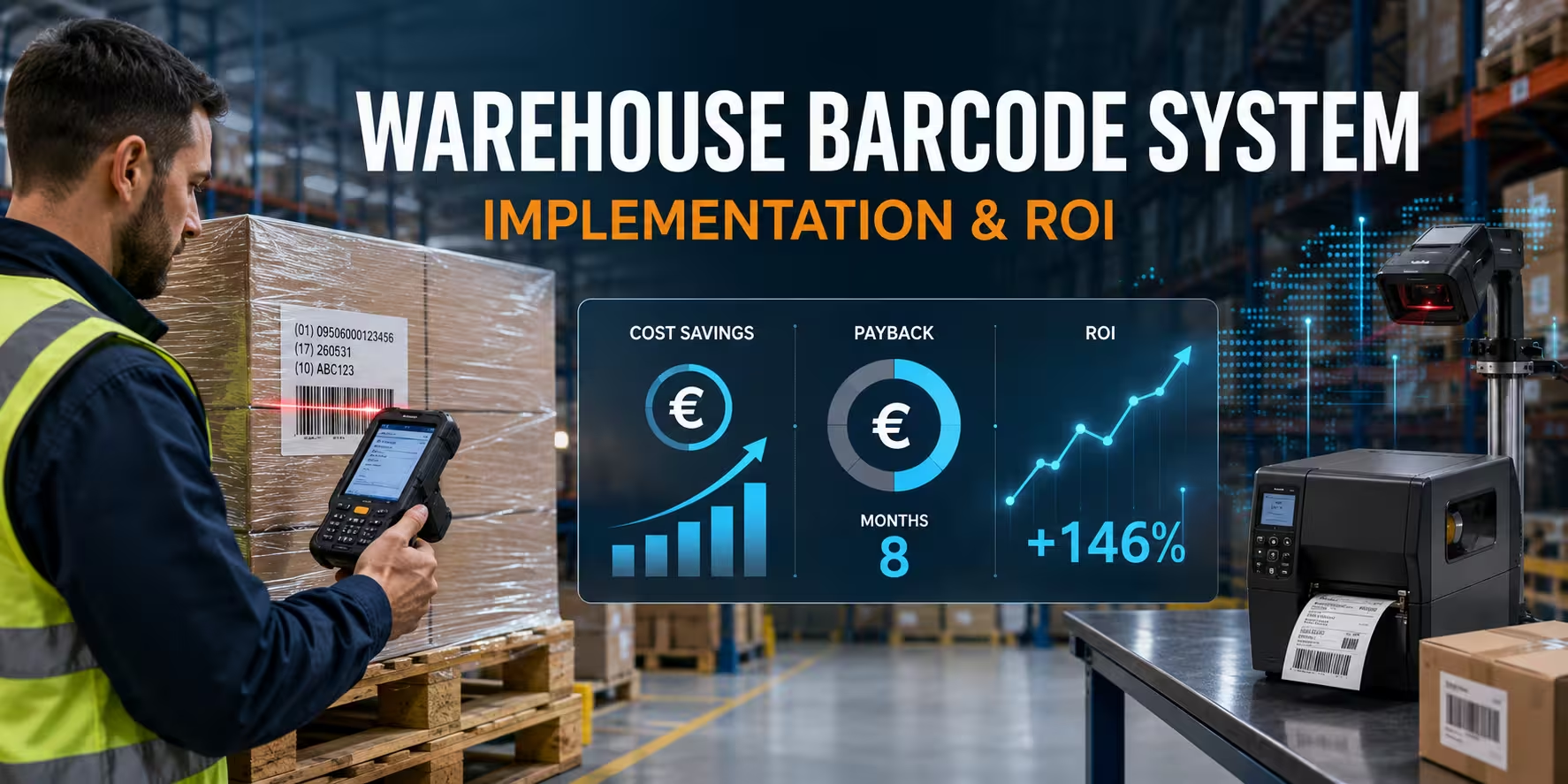
Warehouse Barcode System ROI Calculator
Estimate labour savings, avoided error costs, payback time and three-year return. All financial values are calculated in euros.
Estimated return
Enter your values to calculate an estimate.
How to use the ROI result
The calculator is designed for project screening, not financial approval by itself. Start with a conservative estimate, then replace the values with pilot evidence.
Transactions per day should include only the transactions affected by the proposed system. If the project covers picking but not receiving, do not count receipts. The coverage percentage accounts for phased rollout, exceptions and work that remains outside the barcode process.
Seconds saved per transaction should compare complete tasks, not only scan time. Include walking, searching, typing, verification and correction. A scan may take a fraction of a second, but a badly designed screen can eliminate the expected gain.
Error cost should include the labour and direct expense needed to detect and correct an issue. Depending on the process, that may involve a re-pick, recount, customer-service case, extra shipment, credit note or line stoppage. Avoid using revenue or reputational values that cannot be defended.
One-time cost should include hardware, configuration, software development, data preparation, labels, training and internal project time. Recurring cost should include subscriptions, maintenance, support and the ongoing replacement allowance. A transparent model is more useful than an optimistic payback number.
Turn the estimate into a practical configuration
Send AutoID Warehouse your daily and peak transaction volumes, warehouse layout, label types, required scan distances, number of users, WMS or ERP platform and implementation budget. We can help map the appropriate printer, scanner, mobile computer, accessories and consumables for the workflow.
Explore warehouse and logistics solutions or request a tailored project discussion.
Frequently asked questions
How do you implement a barcode system in a warehouse?
Start by measuring the current process, defining identifiers and mapping scan validation rules. Then choose barcode standards, design durable labels, select task-appropriate hardware, integrate the WMS or ERP, run a controlled pilot and deploy in measured waves. Treat data, software, labels, devices and operator procedures as one system.
What is the best barcode type for warehouse inventory?
There is no single best barcode for every object. Existing retail products commonly use EAN or UPC, internal locations may use Code 128, logistics units can use an SSCC encoded in GS1-128, and Data Matrix can suit small or serialised items. Select the identifier and data standard first, then confirm that the symbology fits label size, reading distance and partner requirements.
Does a warehouse barcode system require a WMS?
No, a small operation can use barcodes with an ERP, inventory application or purpose-built database. However, software must still validate transactions and maintain inventory records. A WMS becomes valuable when the business needs directed put-away, picking logic, replenishment, location control, labour workflows and detailed warehouse traceability.
How many barcode scanners does a warehouse need?
Calculate devices by simultaneous users and workstations at peak, not only by total employees. Add units for receiving and packing stations, mobile tasks, supervisors, training and a spare pool. Charging positions, shift handover and repair turnaround should be included so device availability does not limit operations.
Should a warehouse use barcode scanners or mobile computers?
Use a barcode scanner when the employee works at a nearby PC or fixed application. Use a mobile computer when the operator needs instructions, validation and data entry while moving through the warehouse. Many operations use scanners at receiving and packing stations and mobile computers for put-away, picking, replenishment and cycle counting.
When should a warehouse consider RFID instead of barcodes?
Consider RFID when the process benefits from identifying multiple tagged items without direct line of sight, tracking returnable assets or automating high-volume capture points. RFID requires compatible tags, readers, antennas, software and site testing. Barcodes remain practical when visual identification, low label cost and controlled one-at-a-time scanning are desirable.
How long does warehouse barcode implementation take?
The timeline depends on data quality, integration scope, label installation, number of workflows and sites, hardware availability and user testing. A focused pilot can be completed much faster than a multi-site WMS programme. Plan separate time for discovery, design, development, testing, training, rollout and post-launch stabilisation rather than relying on one installation date.
How does the Warehouse Barcode System ROI Calculator work?
The calculator estimates annual labour savings from the number of covered transactions and time saved, then adds the estimated cost of errors avoided. It subtracts annual recurring costs to calculate net annual benefit and compares that benefit with the one-time investment to estimate payback and first-year ROI. Every assumption is editable and should be replaced with baseline and pilot data.