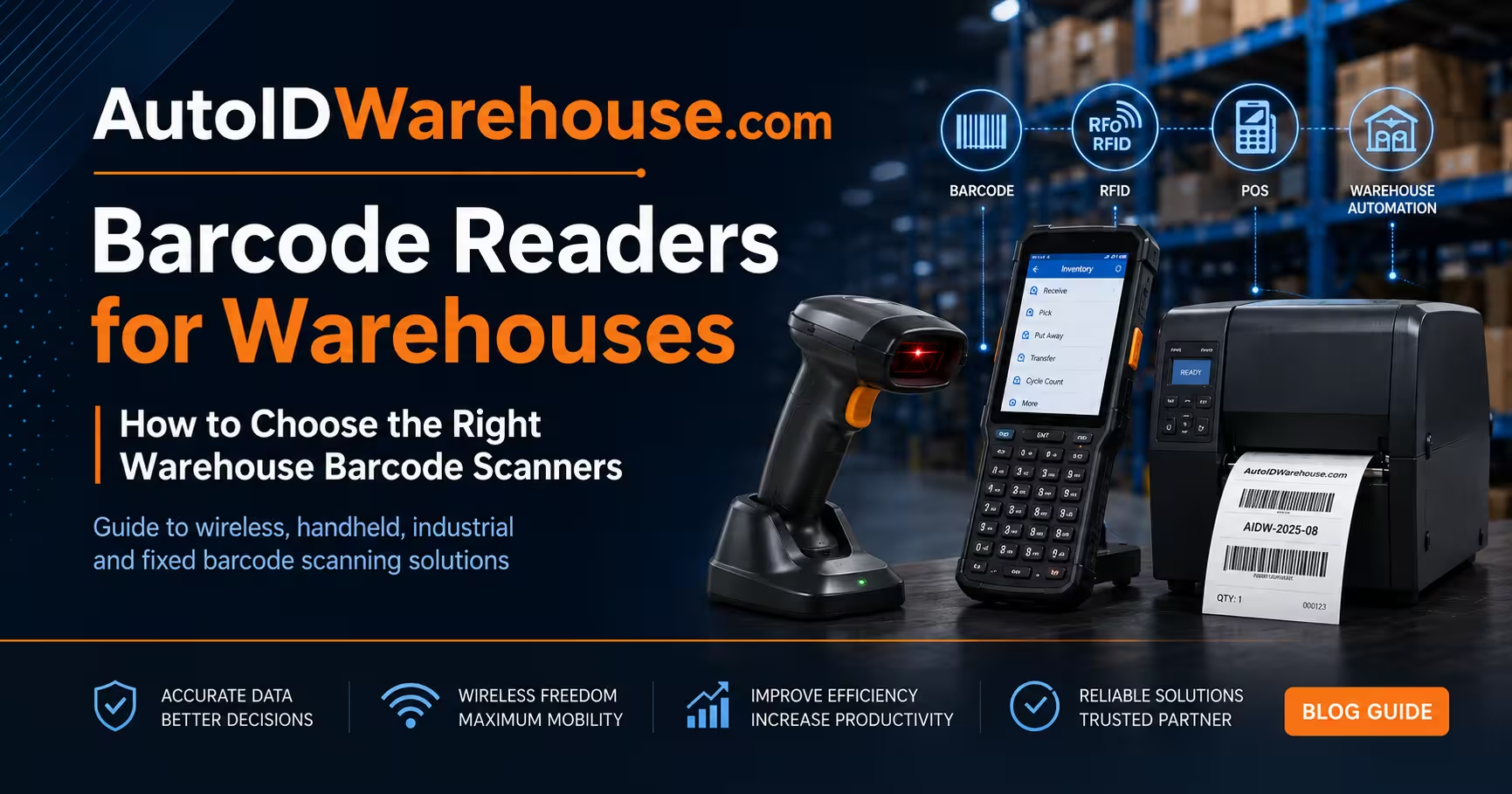
Barcode Readers for Warehouses: How to Choose the Right Warehouse Barcode Scanners
In a modern warehouse, every movement matters: receiving, put-away, picking, packing, shipping, cycle counting and returns. When these workflows depend on manual typing, paper lists or inconsistent scanning equipment, the result is usually slower operations, inventory mismatches and higher fulfillment costs.
That is why the right barcode readers for warehouses are not just accessories. They are core operational tools for inventory accuracy, logistics traceability and warehouse productivity.
Whether you need warehouse barcode scanners for daily stock checks, wireless barcode scanners for inventory, fixed industrial scanners for conveyors or ultra-rugged devices for demanding warehouse environments, the buying decision should be based on workflow, barcode type, connectivity and durability.
Why barcode technology in warehouses still matters
Barcodes remain one of the most reliable ways to identify products, cartons, pallets, storage locations and shipments. According to GS1 barcode standards, barcode systems create a common language for identifying and capturing product data across supply chains.
For warehouses, that translates into practical benefits:
- Faster receiving and put-away
- Better stock visibility
- More accurate picking and packing
- Easier cycle counting
- Improved parcel and pallet tracking
- Reduced manual data entry
- Better integration with WMS, ERP and shipping systems
Barcode technology is also evolving. GS1’s guidance on 2D barcodes highlights the move toward richer product data, improved traceability and more flexible scanning requirements. That means warehouse teams should not only think about today’s 1D labels, but also future 2D, QR and Data Matrix workflows.
What to look for in barcode scanning equipment for warehouses
Not every scanner is suitable for every warehouse. A retail counter scanner, a Bluetooth handheld scanner and an industrial fixed reader may all scan barcodes, but they solve different problems.
Before choosing barcode scanning equipment for warehouses, evaluate these core features.
1. Scan engine: 1D, 2D, DPM or extended range?
A 1D scanner is suitable for traditional linear barcodes such as EAN, UPC, Code 39, Code 128 and GS1-128. For many warehouse labels, this is still enough.
A 2D imager is more flexible. It can read 1D barcodes, QR codes, Data Matrix codes, PDF417 and other 2D symbologies. This is usually the better option for warehouses that handle multiple product types, supplier labels, serialised items or future-proof traceability requirements.
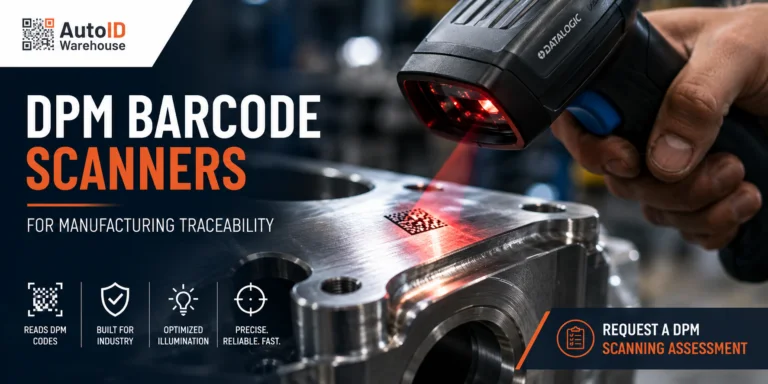
For manufacturing and industrial warehouses, DPM reading may be necessary. DPM stands for Direct Part Marking and refers to codes marked directly onto metal, plastic or components. These codes are often harder to read and require specialised industrial barcode readers. The AIM DPM guidance provides useful background on direct part marking and industrial traceability.
Extended-range scanning is important when operators need to scan labels on high racks, pallet locations or distant items without climbing, moving the pallet or walking closer than necessary.
2. Connectivity: USB, Bluetooth, RS-232, Ethernet or PoE?
Connectivity should match the workflow.
For packing benches, desktop stations or receiving desks, USB barcode reader devices are simple and reliable. They connect directly to a computer and usually work well with WMS or ERP input fields.
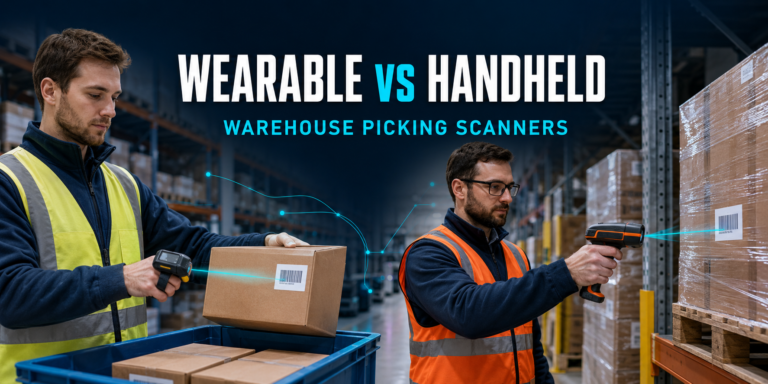
For mobile warehouse work, Bluetooth or wireless scanners allow operators to scan inventory without being tied to a workstation. These are ideal as portable barcode scanners for warehouse use, especially for picking, replenishment and stock checks.
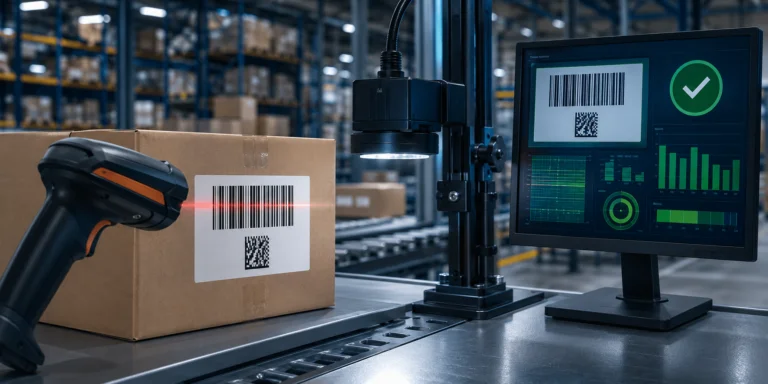
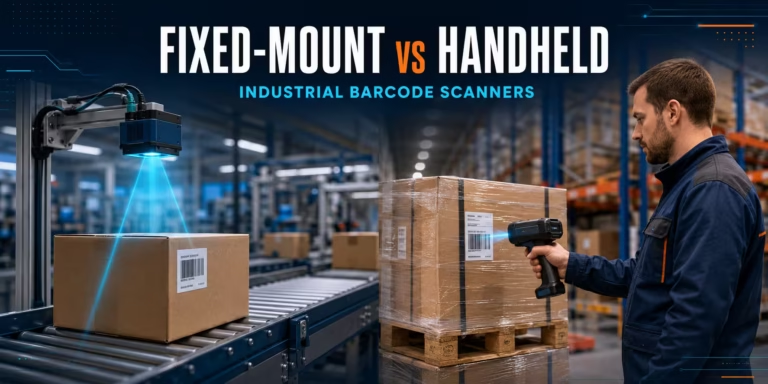
For conveyors, automation cells and industrial inspection points, fixed readers often need RS-232, Ethernet or PoE connectivity. These interfaces are more suitable for automated barcode scanning solutions for logistics and production environments.
3. Protection rating: IP54, IP65, IP67 or IP68?
The protection rating tells you how well the scanner resists dust and water. In clean storage areas, a general-purpose scanner may be enough. In dusty warehouses, cold storage, outdoor yards, manufacturing plants or high-impact logistics areas, industrial barcode readers with IP65, IP67 or IP68 protection are a better investment.
The IEC overview of IP ratings explains how ingress protection ratings classify resistance to solids and liquids.
4. Ergonomics and workflow fit
The best barcode scanners for warehouses are not always the most expensive. The best choice is the one that fits the task.
| Warehouse task | Recommended scanner type |
|---|---|
| Picking and cycle counting | Wireless handheld barcode reader |
| Packing station | USB handheld barcode reader |
| High-rack scanning | Extended-range industrial scanner |
| Conveyor or automated sorting | Fixed industrial barcode reader |
| Manufacturing traceability | 2D/DPM fixed reader |
| Retail warehouse or back-office storage | General-purpose 2D scanner |
In-stock barcode readers to consider from AutoID Warehouse
Below are selected barcode reader devices currently listed with stock on AutoID Warehouse at the time of drafting. Stock quantities can change, so check the product page before ordering.
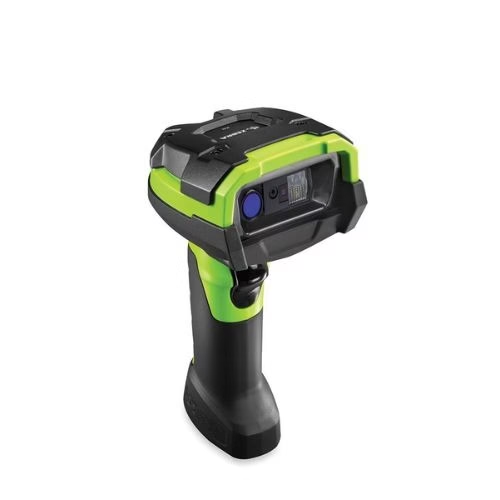
1. Zebra DS3600-XR industrial reader — ultra-rugged extended-range scanning
The Zebra DS3600-XR industrial reader is a strong choice for warehouses that need extended-range scanning and rugged construction. It is designed for demanding environments where operators may need to capture 1D and 2D barcodes from close range or from high racks and distant pallet locations.
Best for: high-rack storage, distribution centres, industrial warehouses, manufacturing and logistics operations.
- Extended-range 1D/2D barcode scanning
- Ultra-rugged construction
- Suitable for harsh warehouse and industrial conditions
- Strong option for barcode scanning solutions for logistics
- Good fit for teams needing industrial barcode readers rather than basic handheld devices
2. Zebra DS4678-SR7U2100PFW — wireless general-purpose warehouse scanner kit
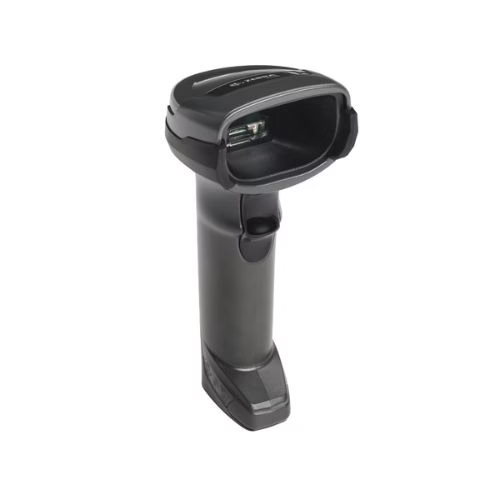
The Zebra DS4678 kit is a practical option for teams that need wireless barcode scanners for inventory, retail backrooms, packing desks and general warehouse scanning. The kit includes the scanner, USB cable and cradle, making it suitable for quick deployment.
Best for: inventory checks, packing stations, retail warehouses, small and medium warehouse operations.
- Wireless scanning workflow
- Presentation cradle for hands-free scanning
- USB connectivity for simple integration
- Suitable for 1D/2D general-purpose scanning
- Strong fit for handheld barcode readers for warehouses
3. Omron MicroHAWK ID Series fixed scanner — compact fixed-mount scanning for automation
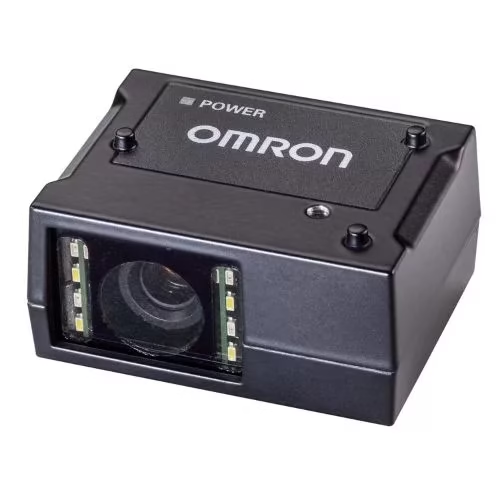
The Omron MicroHAWK ID Series is built for fixed-mount barcode reading in industrial, logistics and traceability applications. It supports 1D and 2D codes and includes options for USB, RS-232, Ethernet and PoE depending on the model.
Best for: production lines, automated inspection points, fixed logistics stations, pharmaceutical traceability and compact installation spaces.
- Fixed-mount 1D/2D code reading
- Compact design for tight spaces
- USB, RS-232, Ethernet and PoE options
- Suitable for damaged codes and DPM applications depending on configuration
- Industrial protection options up to IP65/IP67
4. Datalogic Matrix 300 industrial 2D/DPM reader — affordable industrial scanning for marked parts
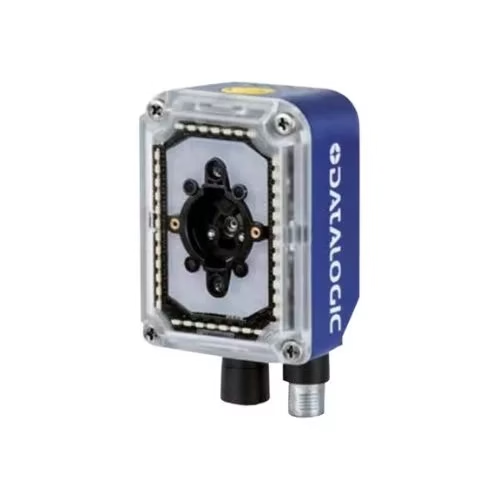
The Datalogic Matrix 300 industrial 2D/DPM reader is designed for 2D and DPM barcode reading. It is especially relevant for industrial workflows where codes may be directly marked on components or surfaces rather than printed on standard labels.
Best for: manufacturing warehouses, automotive, electronics, industrial automation, quality control and traceability.
- 2D/DPM reading capability
- Designed for difficult codes
- Compact industrial reader format
- Useful for automation, inspection and traceability
- Strong option for affordable barcode scanners for warehouse management when an industrial fixed reader is required
5. Omron QX-830 fixed industrial 1D laser scanner — high-speed 1D fixed scanning
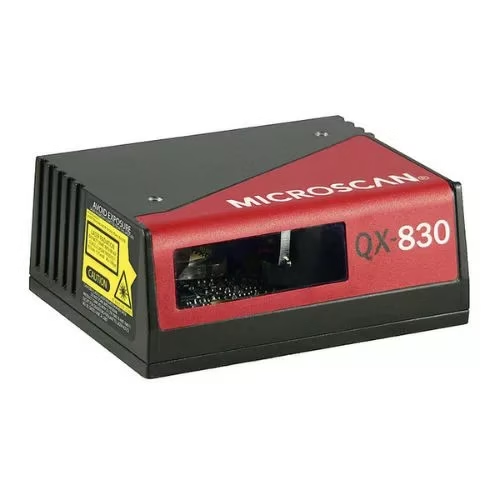
The Omron QX-830 is a fixed industrial 1D laser scanner designed for automation environments. It is suitable for conveyor, sorting and industrial barcode verification workflows where 1D barcode reading speed is important.
Best for: conveyor scanning, logistics sorting, production lines and fixed 1D barcode applications.
- Fixed industrial 1D laser scanning
- Adjustable high-speed scanning
- Serial and Ethernet connectivity options
- IP54 industrial housing
- Suitable for logistics and distribution workflows
How to choose the best barcode scanner for your warehouse
The best scanner depends on the environment and the task.
- Choose a wireless handheld scanner if your operators move through aisles, scan shelves, perform cycle counts or pick orders.
- Choose a corded USB scanner if the device will stay at a packing desk, receiving station or workstation.
- Choose an ultra-rugged scanner if your warehouse has dust, drops, forklifts, outdoor loading areas, cold storage or long scanning distances.
- Choose a fixed industrial scanner if the barcode needs to be read automatically on a conveyor, production line or inspection point.
- Choose a 2D/DPM reader if you scan Data Matrix, QR codes, damaged labels or direct part marked codes.
Common mistakes when buying warehouse barcode scanners
Buying only by price
Affordable barcode scanners for warehouse management can be a smart purchase, but only if they fit the job. A low-cost scanner that cannot read damaged labels, distant pallet locations or 2D codes will slow the team down.
Ignoring the barcode type
Before buying, check whether your warehouse uses 1D codes, 2D codes, GS1-128 labels, QR codes, Data Matrix or DPM codes. The scanner must support the symbologies used in your workflow.
Choosing office-grade devices for industrial environments
If the scanner will be used around forklifts, concrete floors, dust, moisture or cold storage, choose rugged or industrial barcode readers with suitable IP ratings.
Forgetting software integration
A scanner is only useful if it works with your WMS, ERP, inventory software or shipping platform. Confirm the required connection type before ordering: USB, Bluetooth, RS-232, Ethernet or PoE.
Final recommendation
For most warehouses, the right barcode scanning setup includes more than one device type. A common configuration includes wireless handheld barcode readers for picking and stock checks, USB scanners for receiving and packing stations, ultra-rugged scanners for high racks and demanding environments, fixed industrial readers for conveyors and automated workflows, and 2D/DPM readers for traceability and manufacturing-linked inventory.
Explore the full range of barcode readers for warehouses at AutoID Warehouse and choose the scanner that matches your workflow, barcode type, connectivity and durability requirements.
Need help choosing the right scanner? Start with your warehouse process: what you scan, where you scan it, how far away the code is and what system the scanner needs to connect to. Once those details are clear, selecting the right barcode reader becomes much easier.