
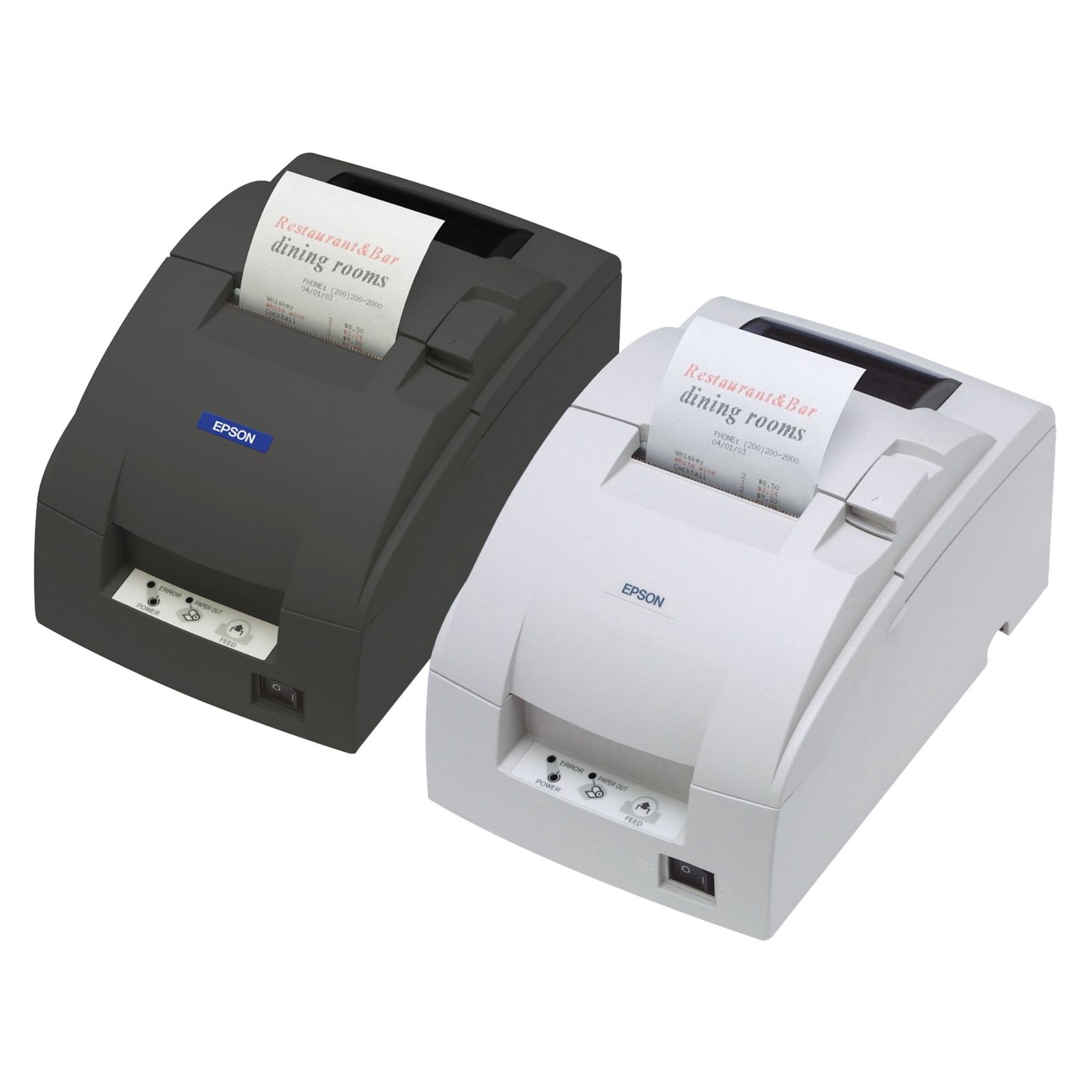


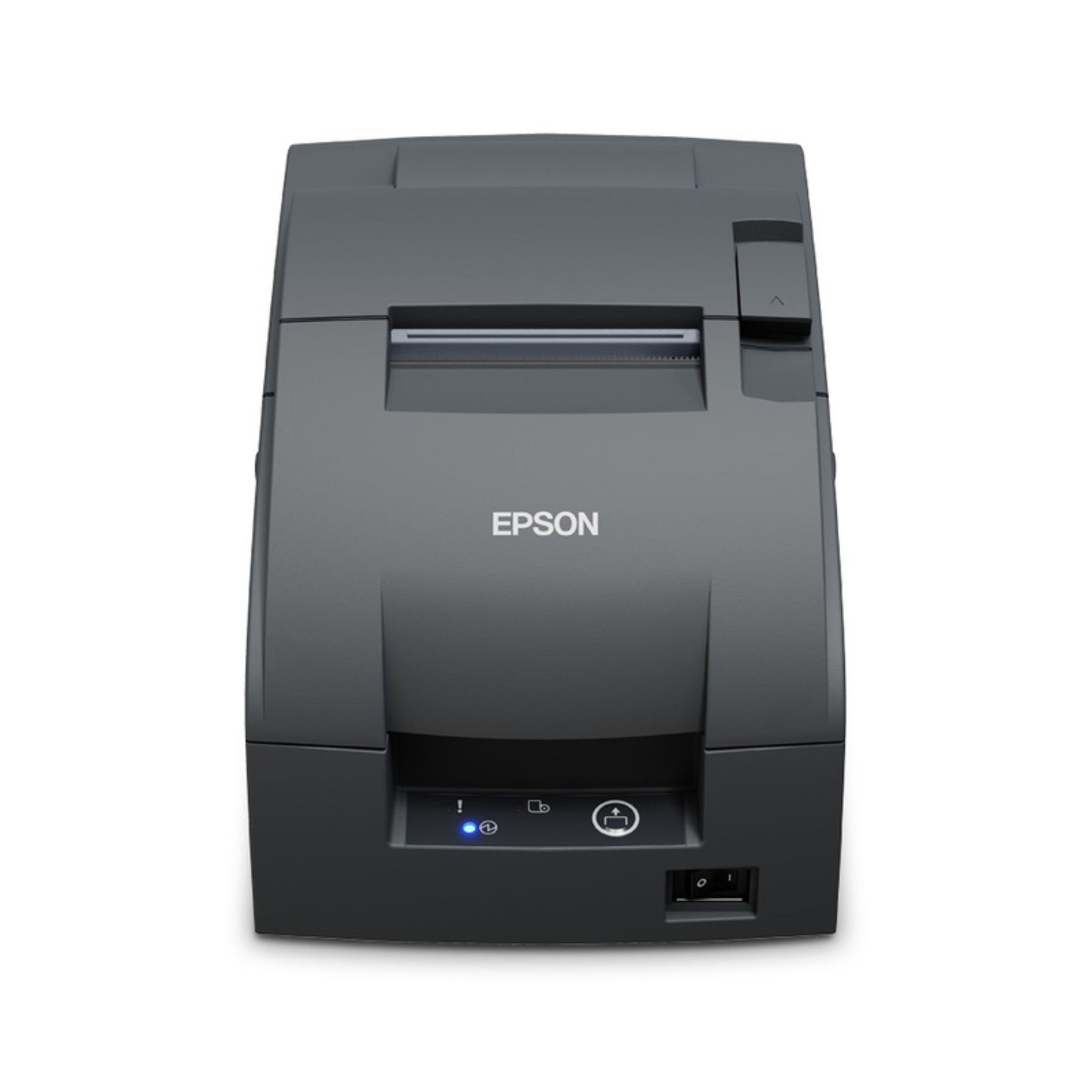
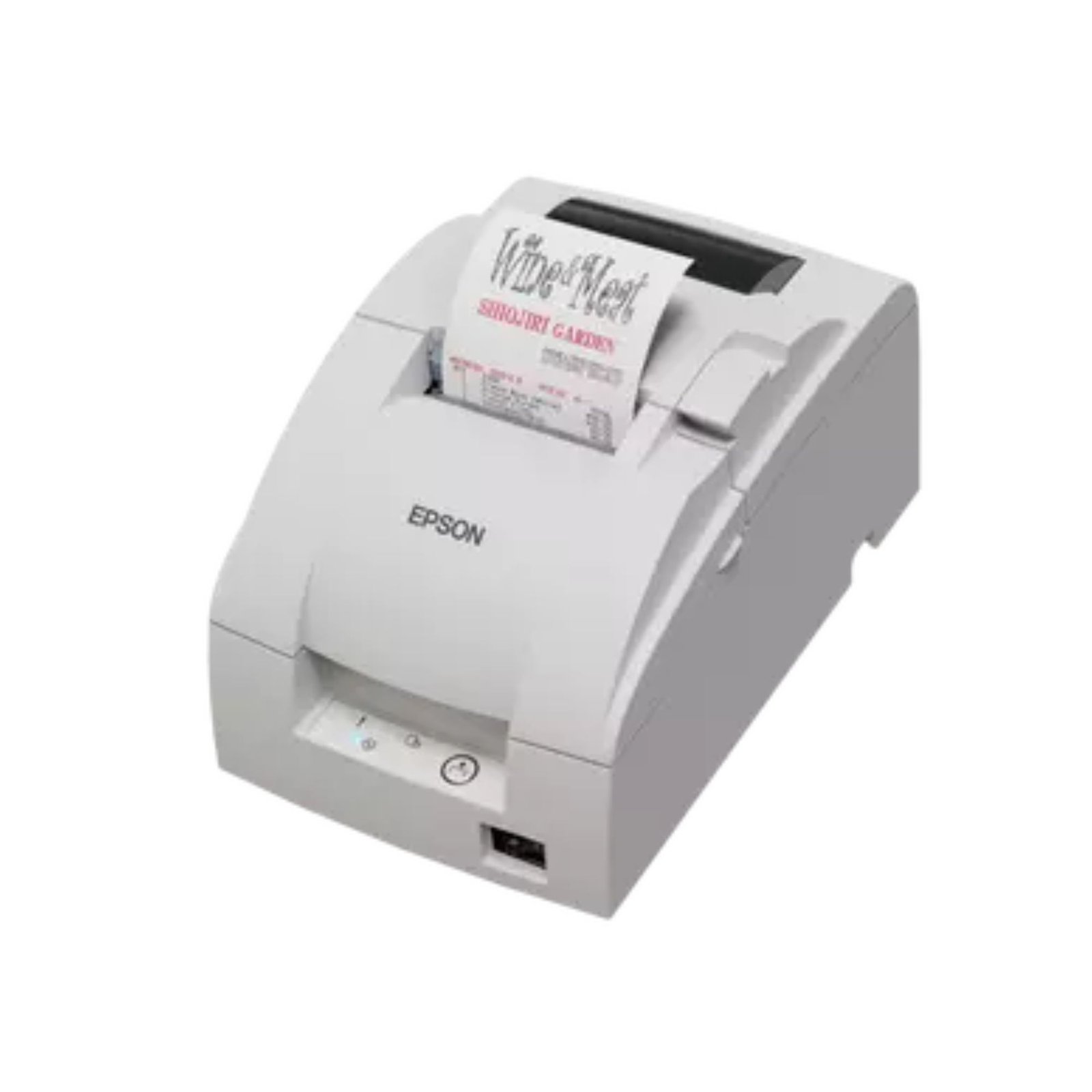



Epson TM-U220II impact receipt printer
Price range: 253,98 € through 373,32 € ex. VAT
EPSON TM-U220II series – impact printers for labels and POS, 2-color printing (black/red), up to 8.8 lps, auto cutter, wall mount, USB/Serial/Ethernet/Wireless. Ideal for HoReCa and high temperature environments.

Only logged in customers who have purchased this product may write a review.
Product description
EPSON TM-U220II impact printer series – the “classic” printing you can rely on in the kitchen and at the POS
If you need a receipt printer that will perform flawlessly in a harsh environment (heat, steam, humidity), then the EPSON TM-U220II is the kind of “workhorse” you’re looking for. We’re talking about a 9-pin impact (dot matrix) printer , built for HoReCa and retail, capable of printing clear and durable receipts, even where thermal paper can struggle.
And yes, it’s also “smart”: the models in the series can be prepared for online orders via Server Direct Print (on Ethernet/Wireless), so you can print receipts and notes directly from a web server, without complicated POS integrations. In addition, you have support for both mPOS and PC-POS , meaning you can work with traditional systems or with tablets and mobile devices.
Why choose EPSON TM-U220II?
- 9-pin impact printing – ideal for kitchen, bar, steam and high temperature areas
- Two-color printing (black + red) – highlight exceptions, cancellations or important messages
- Speed up to 8.8 lines/sec (depending on format/columns)
- Durable receipts – impact paper remains legible over time, even in difficult conditions
- Support for mPOS and PC-POS – compatible with mobile and classic POS systems
- Flexible installation options – including wall mounting with “right-side up” printing
- Diverse connectivity via Connect-It interfaces: USB, Serial, Ethernet, Parallel, Powered USB, Wireless
- Professional features – auto cutter (on certain configurations), log take-up (depending on type)
- High reliability + robust housing
Where does the TM-U220II fit best?
In short: wherever you need a “tough” receipt that won’t easily rub off and will last over time. The series is frequently used as:
- Kitchen printer for orders (kitchen printer)
- POS receipt printer in retail and services
- Printer for internal notes in back-office, warehouse or production
- Receipt printer with copy (1 original + 1 carbon copy)
Performance and readability
The TM-U220II can print at up to 8.8 lines/sec (at 16 columns/line, 16 cpi), up to 6.0 lines/sec (30 columns/line) and up to 4.7 lines/sec (40 columns/line). This means you can choose the right format for simple receipts, kitchen orders or detailed notes, without wasting time during busy hours.
Additionally, two-color printing (black/red) helps you make receipts easy to track: red for exceptions, priorities, or warnings – a small thing, but in practice it saves time and reduces errors.
Connectivity: from classic POS to online orders
The series includes support for EPSON protocols and ecosystem: ESC/POS , ePOS-Print (Ethernet/Wireless) and Server Direct Print (Ethernet/Wireless). Basically, you can integrate the printer into traditional POS systems or modern workflows (e.g. online orders that go directly to the printer).
Furthermore, certain models are DHCP-enabled for easy network configuration, and EPSON offers dedicated utilities (Windows) for settings and deployment.
Reliability and consumption
The series is designed for intensive use. The average consumption is approximately 24.7 W in operation and 1.2 W in standby , and the power supply is at 24 VDC ± 7% . For ribbon, you have options such as ERC-38B and ERC-38BR (in red), with very good lifespans for professional use.
Dimensions and types (A / B / D)
The TM-U220II comes in several construction variants, depending on the mode of use and options:
- Type A : 160 x 286 x 157.5 mm (approx. 2.7 kg)
- Type B : 160 x 248 x 138.5 mm (approx. 2.5 kg)
- Type D : 160 x 248 x 138.5 mm (approx. 2.3 kg)
Available in Dark Gray (EDG) and Cool White (ECW) , depending on the model.
Technical Specifications – EPSON TM-U220II Series
| Characteristic | Specification |
|---|---|
| Printing technology | Impact dot matrix, 9 pins |
| Print speed (max.) | Up to 8.8 lines/sec (depending on format) |
| 2-color printing | Yes (black + red) |
| Media width | 76.0 / 69.5 / 57.5 mm (depending on setting), max. roll diameter 83 mm |
| Paper thickness | 60 μm – 85 μm |
| Carbon copy | 1 original + 1 copy |
| INTERFACE | Connect-It: USB, Ethernet, Serial, Parallel, Powered USB, Wireless |
| Protocols | ESC/POS, ePOS-Print (Ethernet/Wireless), Server Direct Print (Ethernet/Wireless) |
| sensors | Paper-End, Near-End (factory optional), Cover Open |
| LED indicators | Power, Paper, Error |
| Average consumption | Operation: 24.7 W / Standby: 1.2 W |
| feeding | 24VDC ± 7% |
| Case colors | Dark Gray (EDG), Cool White (ECW) |
| Guarantee | 2 years (standard, depending on market/SKU) |
Useful accessories for TM-U220II
- OT-BX220 – power supply cover
- WH-10 – wall mount bracket
- OT-WL06 – wireless USB adapter
What’s next?
Now that we have the serial page, the next step is to make individual pages for each model (A/B/D) and each interface (USB/Serial/Ethernet/Wireless), with a title in your format:
Impact Receipt Printer MODEL, Config, Brand SKU
Send me the first TM-U220II SKU you want to start with (for example: C31CL27002 , C31CL26A9971 , C31CL28A9991 ) and I’ll continue right away.
Reviews
There are no reviews yet.