
29% Discount
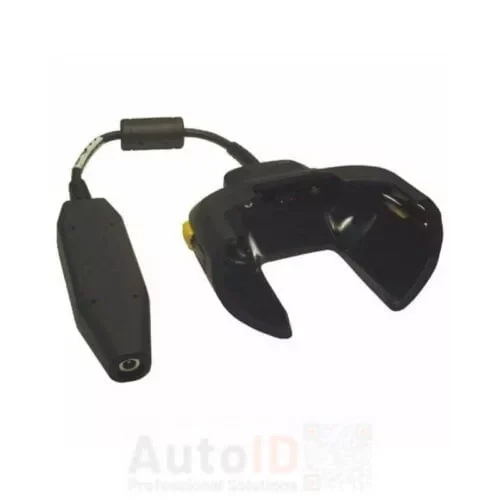
Zebra CHG-TC7X-CBL1-01 Power Cable
TC7X Charging Cable Cup. Attaches to the bottom of the TC7X. Requires PWR-BUA5V16W0WW, DC cable CBL-DC-383A1-01, and country-specific AC line cord, all sold separately
4 in stock
Zebra TC72 is a rugged enterprise mobile computer designed for reliable, high-performance data capture in demanding indoor environments. It features a durable, ergonomic design, advanced barcode scanning, and fast Wi-Fi connectivity to support real-time applications. The TC72 is ideal for retail, warehousing, manufacturing, and logistics operations where durability, accuracy, and productivity are essential.
Showing all 9 results
TC7X Charging Cable Cup. Attaches to the bottom of the TC7X. Requires PWR-BUA5V16W0WW, DC cable CBL-DC-383A1-01, and country-specific AC line cord, all sold separately
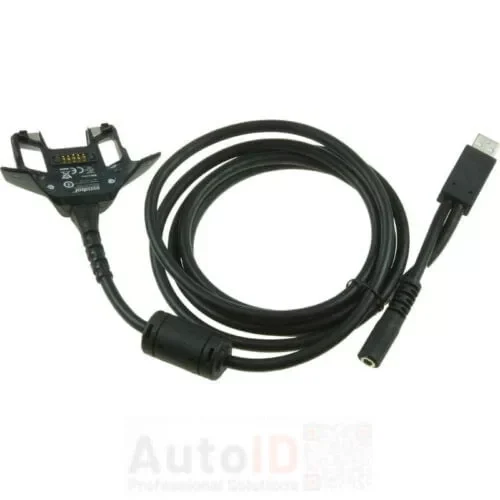
Zebra CBL-TC7X-USB1-01 USB cable for data transfer and fast charging of TC70/72/75/77 terminals. Charging accessories sold separately.
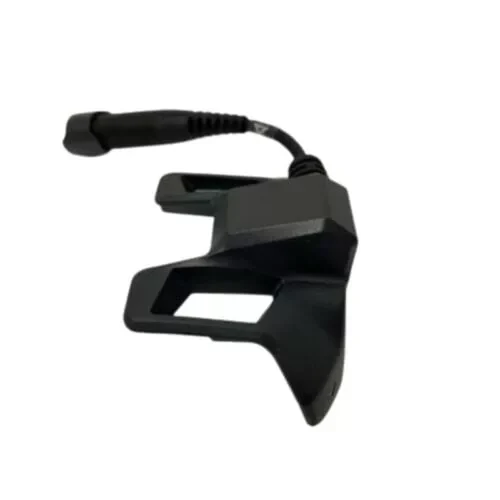
Snap-on Audio Adapter (3.5mm jack) with Retention and Anti-Rotation Lock/Clip. Works w/ hand strap. Full access to battery. Kit includes Snap-on 3.5mm Adapter (ADP-TC7X-AUD35-01) and Retention/Anti-Rotation Lock (ADP-LOCK-3.5HT1-01).
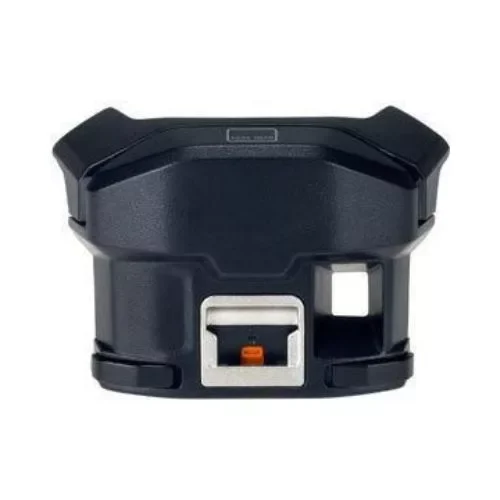
The Zebra MSR-TC7X-SNP1-01 Snap-On Adapter for TC7X provides magnetic stripe reading, charging, and communication functionality for the TC7X device with Android operating system.
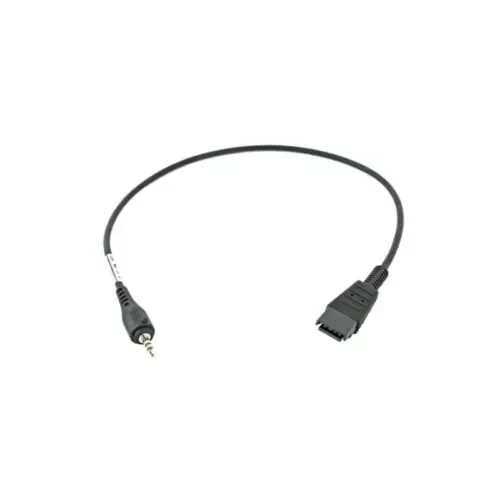
3.5MM Quick-Disconnect Headset Adapter Cable. Connects headsets with Quick-Disconnect connector to devices with a standard 3-pole 3.5mm barrel jack connector.
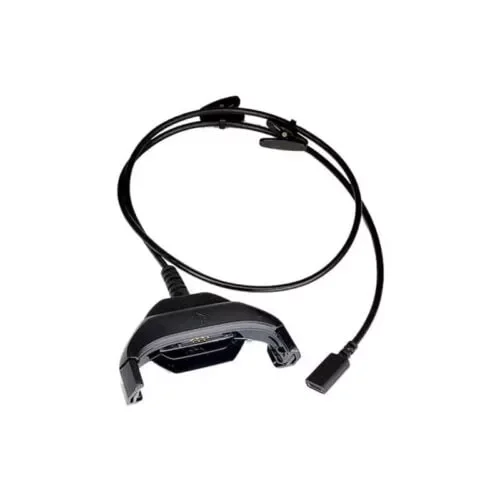
CBLTC7XUSBHD01 TC7X HD4000 ADAPTER CABLE

TC7X Snap-on Serial Communication/Charging Cable. Attaches to the rear accessory port on the TC7X. Requires Power Supply PWR-BUA5V16W0WW, DC Line Cord CBL-DC-383A1-01 and Country specific AC Line cord, all sold separately.

TC7X Auto Charging Cable Cup with Cigarette Lighter Adapter. Snaps onto the bottom of TC7X, allowing users to charge their TC7X via a Vehicles Cigarette Light Adapter.
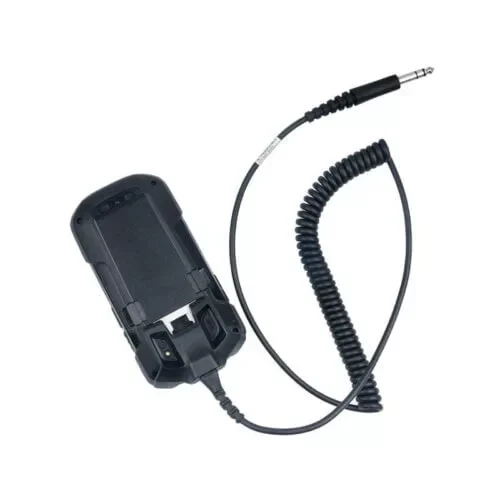
TC7X Snap-on Dex Cable. Attaches to the rear accessory port on the TC7X. Does not provide device charging and can't be used at the same time as other Snap-on accessories.
Contact us to speak with an AutoID technician. Hours M-F 9:00 AM – 5:00 PM
Subscribe to our newsletter and always be one step ahead: be the first to know about the best offers, equipment that makes your business more efficient, reviews of the products you are looking for and the most advantageous stock clearances.
No products in the cart.