



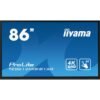
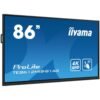
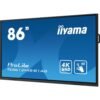

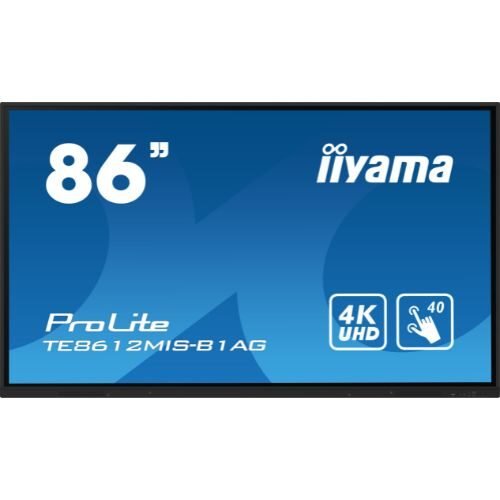
Interactive display 86″ 4K, IR multi-touch, USB-C (video + touch + PD), iiWare (Android), OPS – iiyama TE8612MIS-B1AG
2.795,10 € incl. VAT
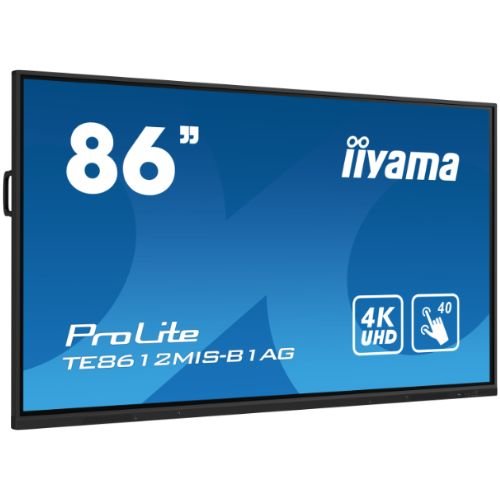
IIYAMA TE8612MIS-B1AG 86” 4K interactive display with IR multi-touch, USB-C (video + touch + charging), iiWare (Android), HDMI/USB/LAN, OPS slot, front speakers, 24/7 – ideal for meeting rooms, education and training.

IIYAMA ProLite TE8612MIS-B1AG – 86” 4K UHD Interactive Display, IR multi-touch, USB-C (video + touch + Power Delivery), iiWare (Android), OPS – for Meeting Rooms, Education & Hybrid Collaboration
iiyama TE8612MIS-B1AG is an 86” 4K interactive display designed for teams who want to write, annotate and share content instantly, without complicated settings. IR multi-touch technology ensures smooth writing with a stylus or finger, and anti-glare glass (7H hardness) maintains readability in bright rooms. It runs iiWare (Android) – whiteboard, browser, files, cloud connectivity – and includes wireless mirroring via the dedicated app. Modern connectivity (USB-C with video + touch + laptop charging), multiple HDMI, USB 3.x and OPS slot for Windows PCs make the TE8612MIS-B1AG an all-in-one solution for meetings, interactive classes and training.
Why choose TE8612MIS-B1AG
- Natural writing, low latency: IR multi-touch with fast pen and finger recognition, ideal for fine notes and annotations.
- Plug and play from one cable: USB-C (4K video, touch back, Power Delivery for laptop).
- Ready-to-use ecosystem: iiWare (Android) with whiteboard, capture, browser, file manager, cloud access; multi-platform wireless mirroring.
- Clear sound in the room: powerful front speakers and audio output for external systems.
- Scalable & secure: OPS slot for modular PC, control via LAN/RS-232, OSD key-lock, on/off programming, 24/7 operation.
Scenarios of usage
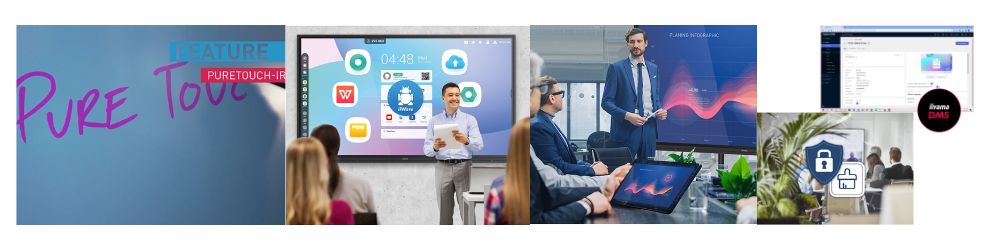
- Meeting rooms / Boardrooms: 4K presentations, real-time annotation, sharing from laptop/phone.
- Education (K-12 / University): interactive lessons, collaborative exercises, cloud/USB storage.
- Training & workshop: brainstorming, PDF export, user profiles and templates.
- Signage & public spaces: Kiosk mode, scheduling, centralized management.
Technical specifications
| Section | Specifications |
|---|---|
| Diagonal / Panel | 86″ (217 cm) • VA/educational panel with anti-glare |
| Resolution / Ratio | 3840 × 2160 (4K UHD) • 16:9 • up to 60 Hz |
| Brightness / Contrast | up to ≈350–400 cd/m² • native contrast ≈4000:1 |
| Angles / Colors | 178°/178° • 10-bit (8-bit + FRC) display, ≈1.07 billion colors |
| Touch technology | IR multi-touch (multi-user) • input: stylus, finger, glove • USB (HID) for touch-back |
| Software integrated | iiWare (Android): Whiteboard/Note, Browser, File Manager, capture/annotation, cloud connection; dedicated app for wireless mirroring |
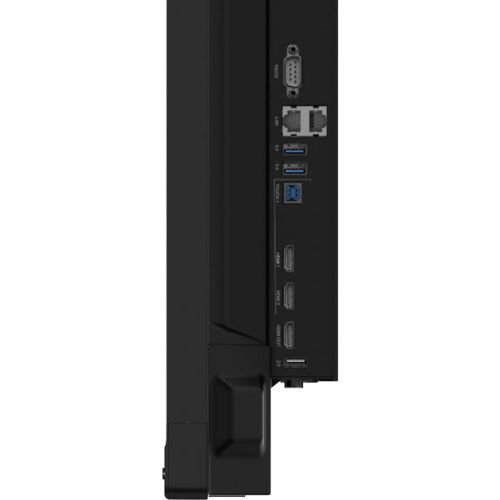
| Video inputs | HDMI x3 (4K@60) • USB-C (video + touch + Power Delivery) • VGA |
| Outputs / Audio | HDMI out (4K@60) • Audio out 3.5 mm / S/PDIF • speakers front |
| USB & data | USB 3.x/2.0 front + side for files and accessories |
| Network & control | LAN RJ-45, RS-232, IR • remote management options |
| OPS & extensions | OPS slot for Windows modular PC (NUC/mini PC on dedicated stand) |
| Security & OSD | OSD key-lock, pin/profiles, Kiosk mode, on/off scheduling |
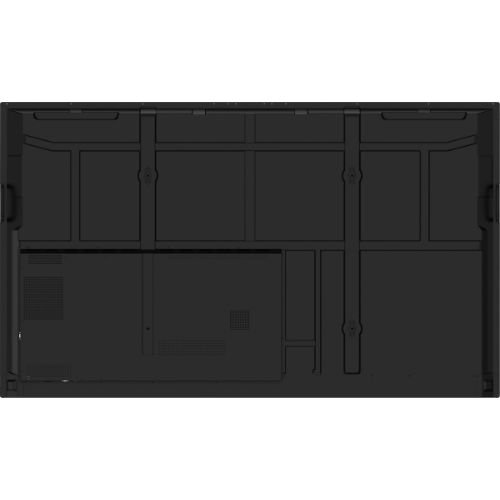
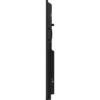
| Mounting / Mechanical | VESA 800×600 mm • metal housing, fanless design |
| Operation | 24/7 • recommended temperature 0…40 °C |
| Power / Consumption | AC 100–240 V • typical consumption ≈180–220 W • stand-by ≤0.5 W |
| Dimensions / Weight | slim format for wall or mobile stand; net weight ≈55–65 kg |
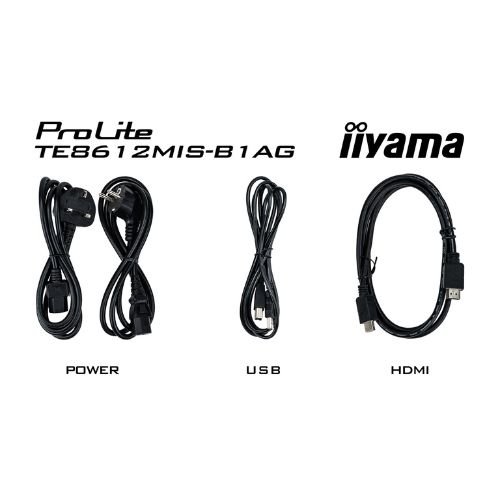
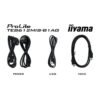
| In the package | Remote control, stylus (set), cables (Power/USB/HDMI), mounting accessories/cable-cover, quick guide |
| Conformity | CE, RoHS, ErP, WEEE, REACH, UKCA |
“Connect your laptop via USB-C, write like on paper and share wirelessly – all on an 86” 4K with powerful front-facing sound.”
Key benefits
- Frictionless collaboration: USB-C/HDMI or wireless connectivity, native whiteboard, direct export to cloud/PDF.
- Simple management: LAN/RS-232 control, OSD lock, Kiosk mode, schedule scheduling.
- True scalability: OPS for Windows/UC, 24/7 operation, integration into infrastructure existing.
Frequently Asked Questions (FAQ)
Does USB-C really charge your laptop and transmit touch-back?
Yes. USB-C carries 4K video, touch and Power Delivery on a single cable, for a fast connection.
Can you share your iPhone/Android/Windows screen wirelessly?
Yes, via a compatible mirroring app (AirPlay/Chromecast/Miracast – depending on the device).
Can I run Windows directly on the display?
Yes, via the OPS slot you can add a modular PC for Office/UC applications.
Is it suitable for intensive use?
Yes, it is designed for 24/7 operation and has 7H anti-glare glass.
What does the package include?
Usually remote control, stylus, Power/USB/HDMI cables and mounting accessories/cable-cover.
Only logged in customers who have purchased this product may write a review.
Reviews
There are no reviews yet.